 Malachi Mail
Your mail. Native on every desktop. Nobody in between.
A fast, native mail app for Linux, macOS and Windows. Your mail stays on your computer, with no account at us and no servers of ours in between. Conversations, a calendar, Jira, a board of what waits for you, and an AI assistant on your own account, only when you ask.
- Linux
- macOS
- Windows 11
- Free and open source
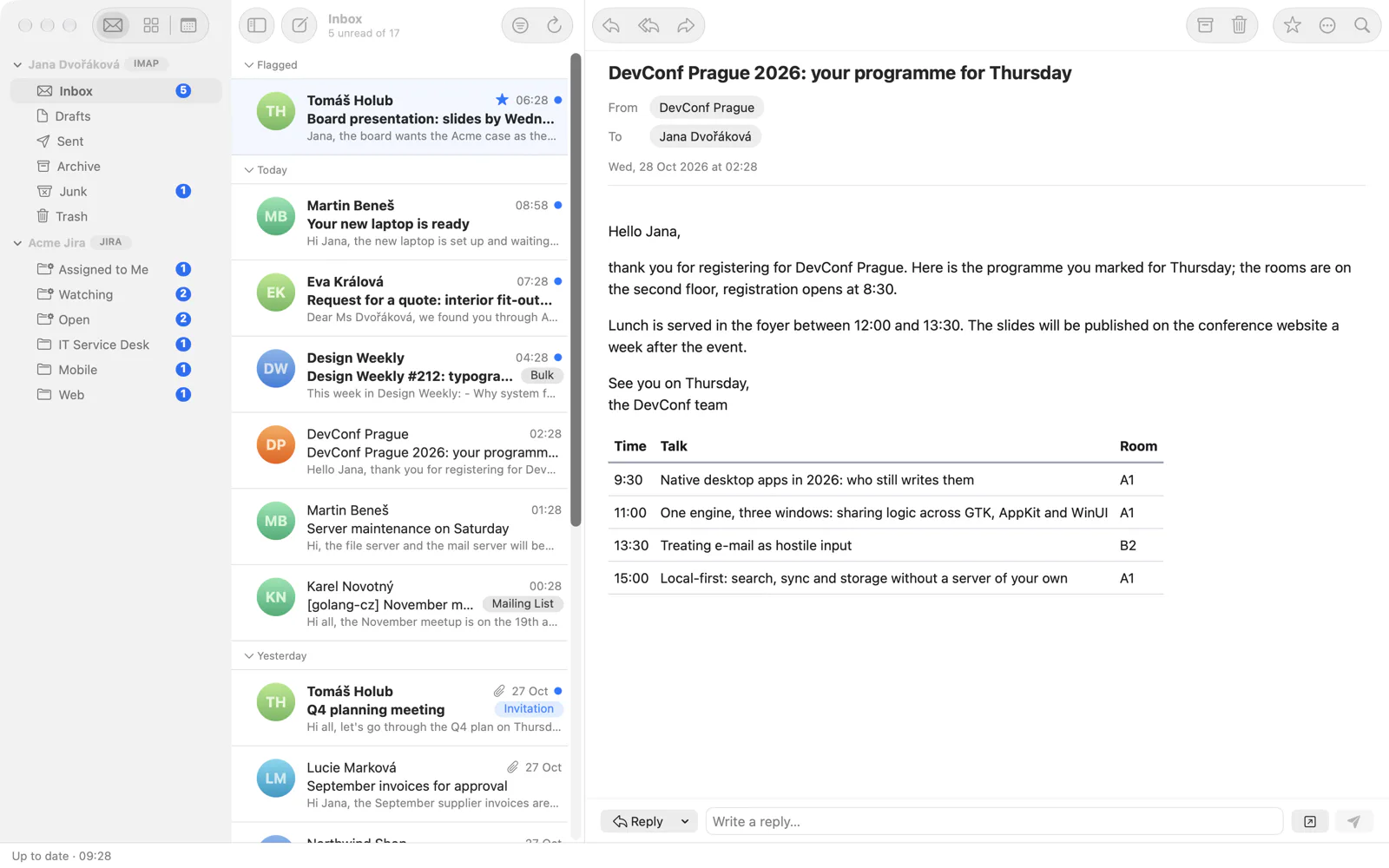
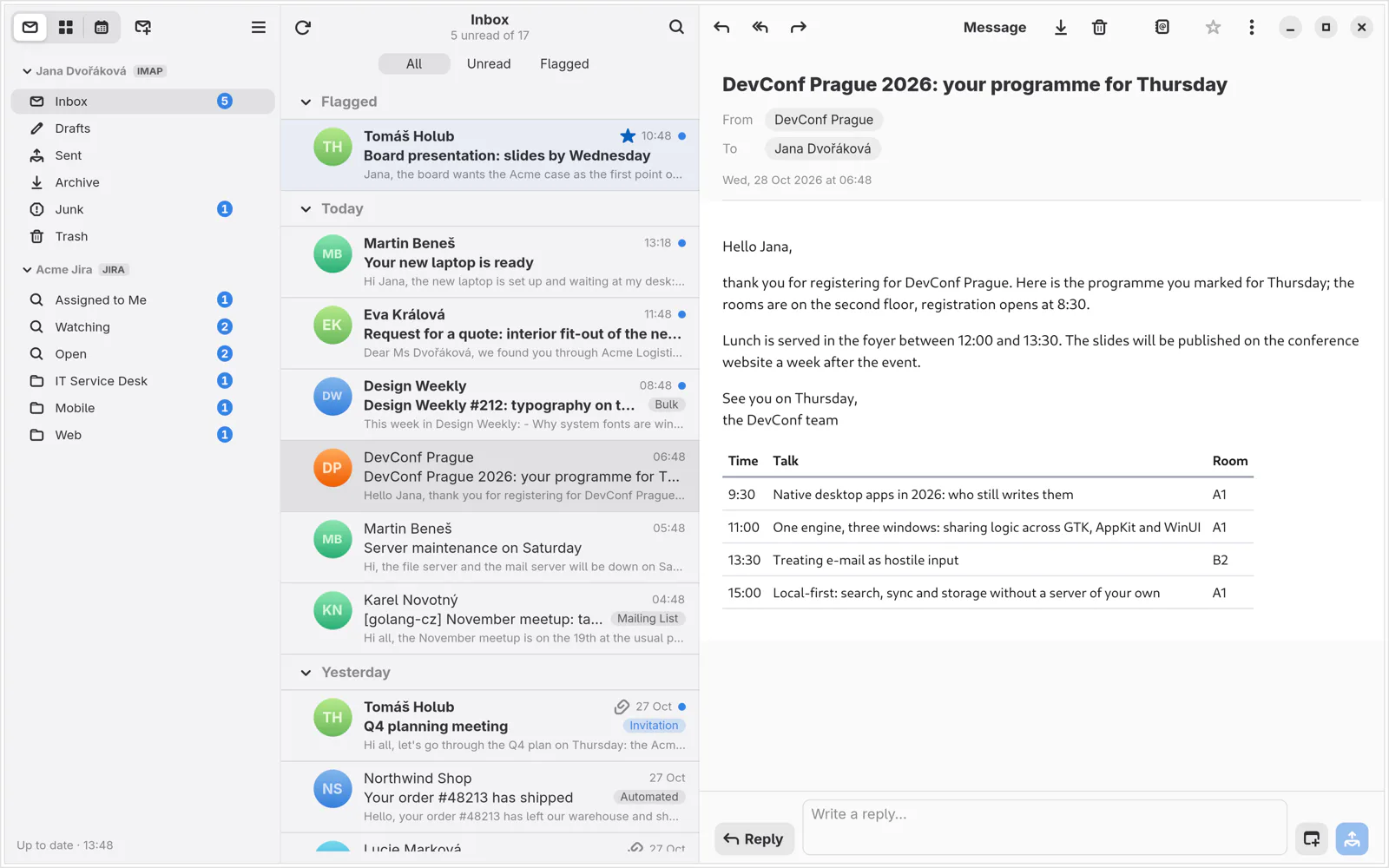
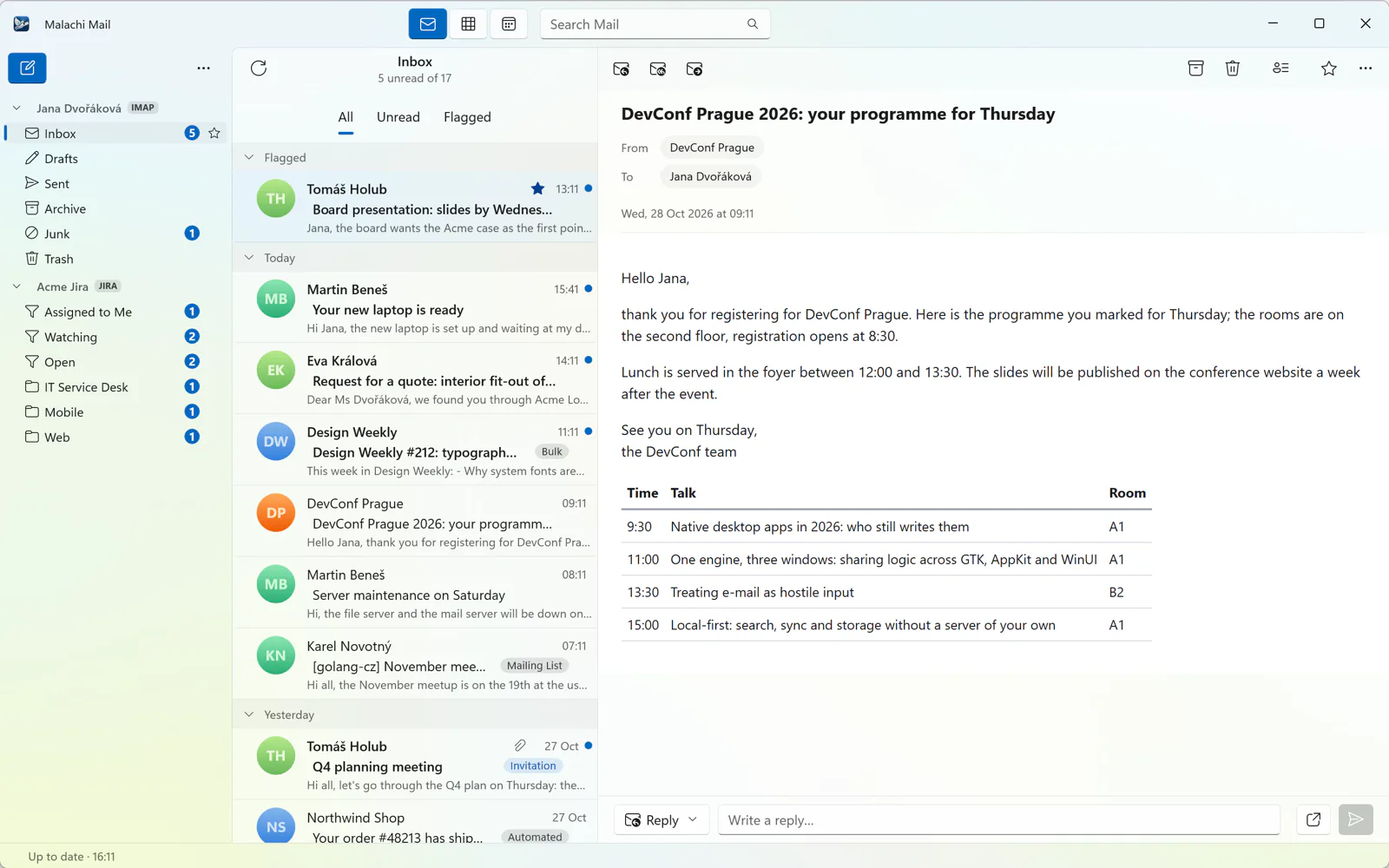
Everyday mail, done properly
The things you do a hundred times a day, the way a mail client should do them in 2026.
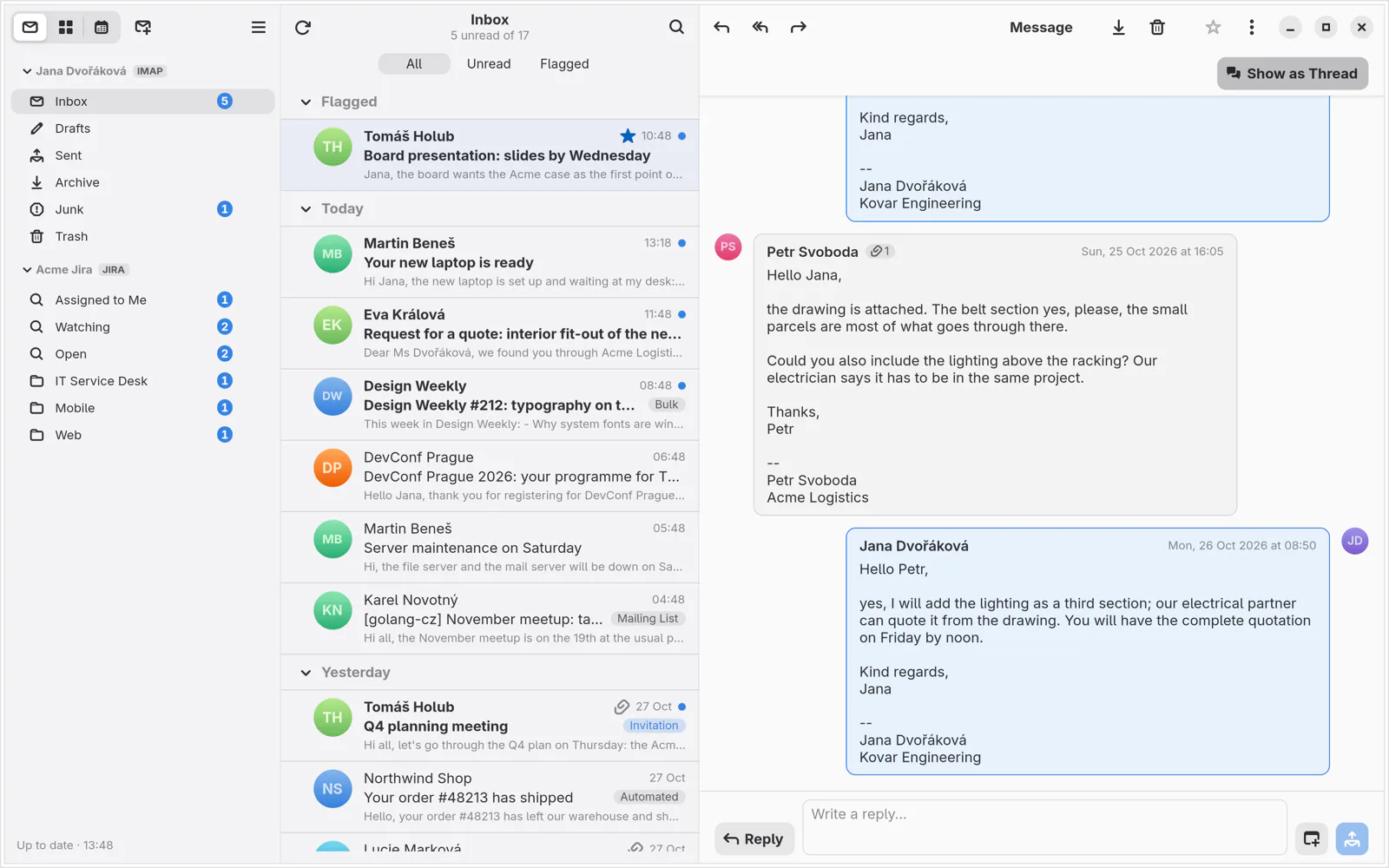
Conversations as a chat
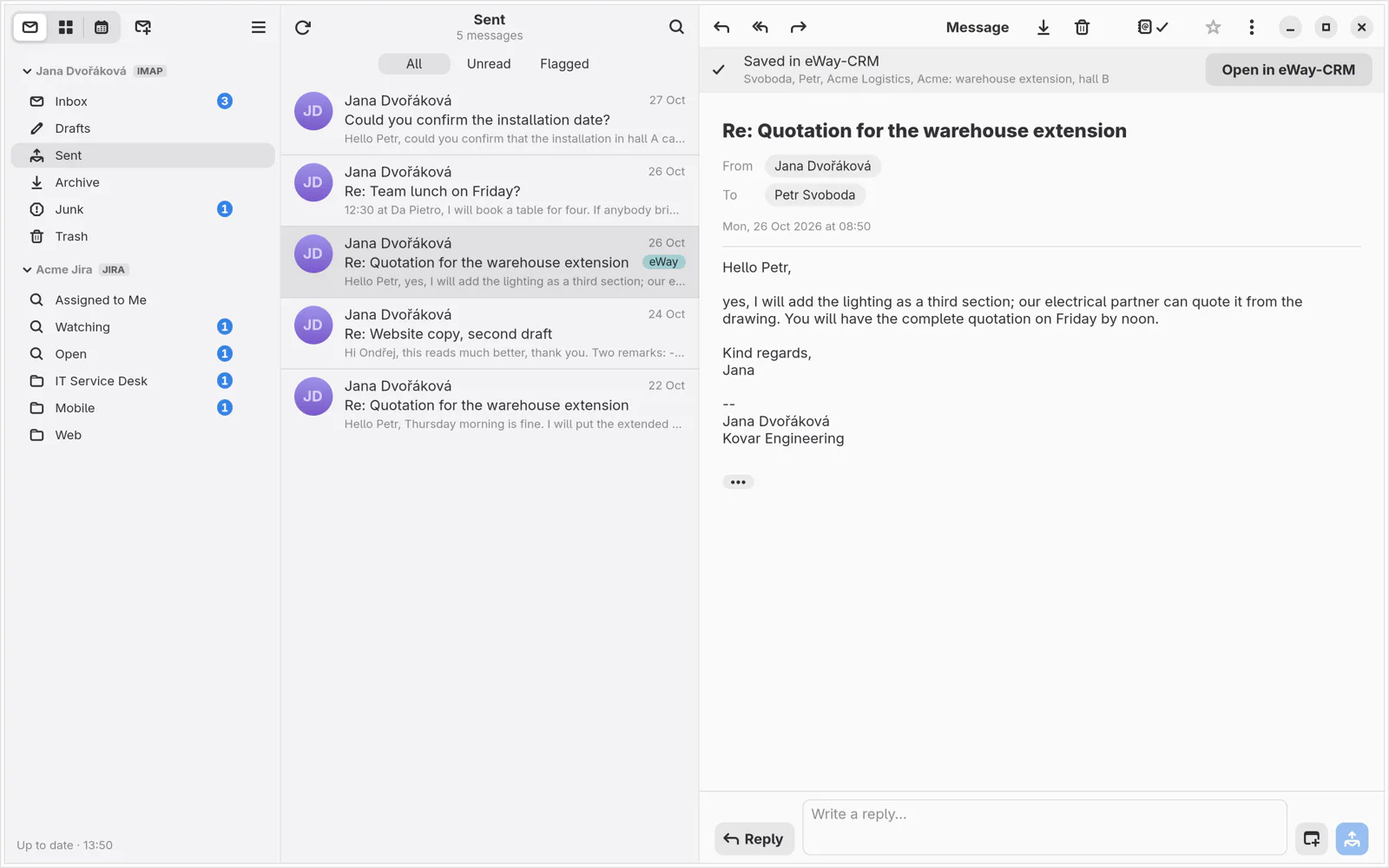
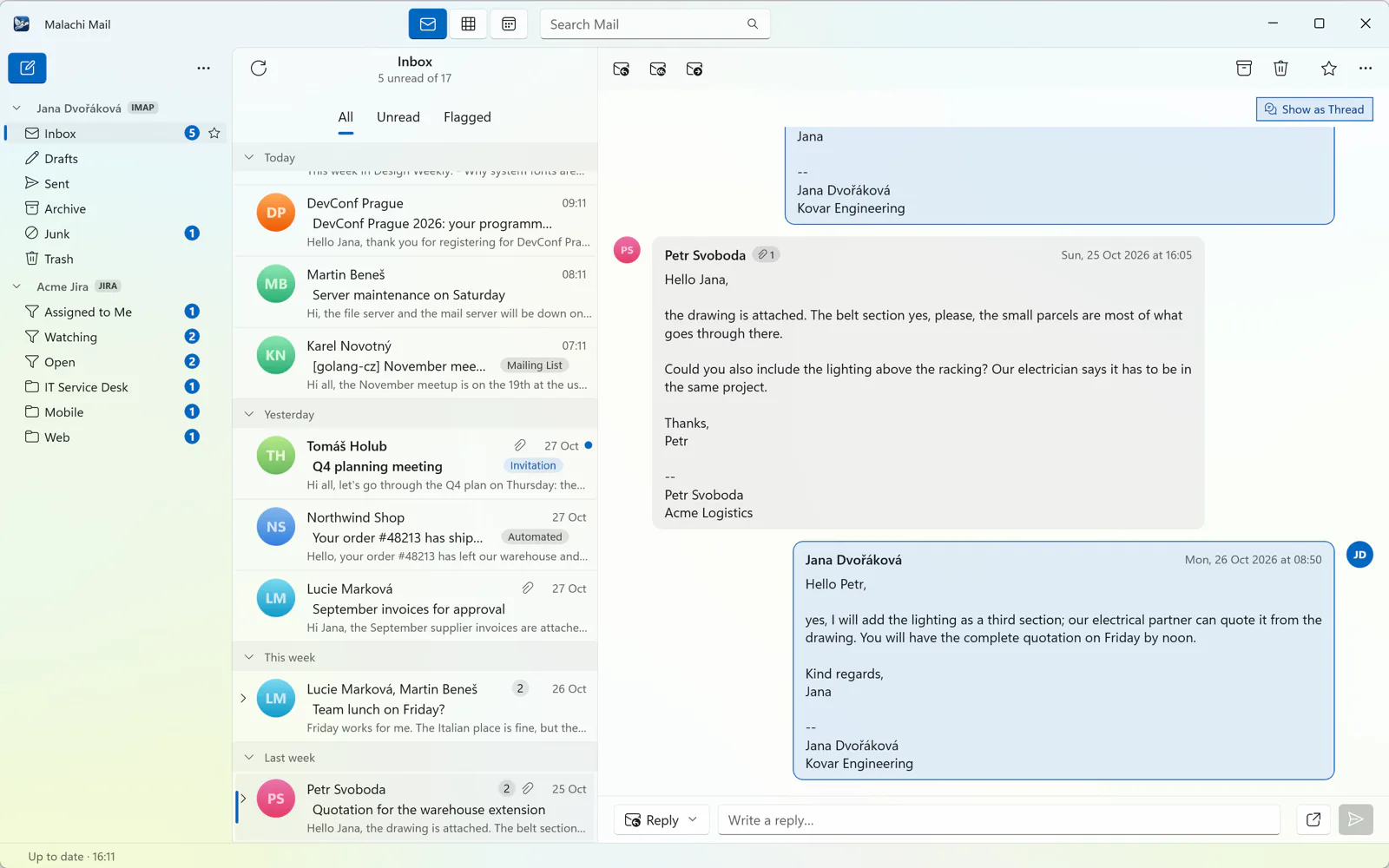
Cards on a timeline or bubbles in a chat, with your own replies from Sent and your unsent drafts in place and the quoted history folded away. A quick-reply bar answers a short mail without opening a window.
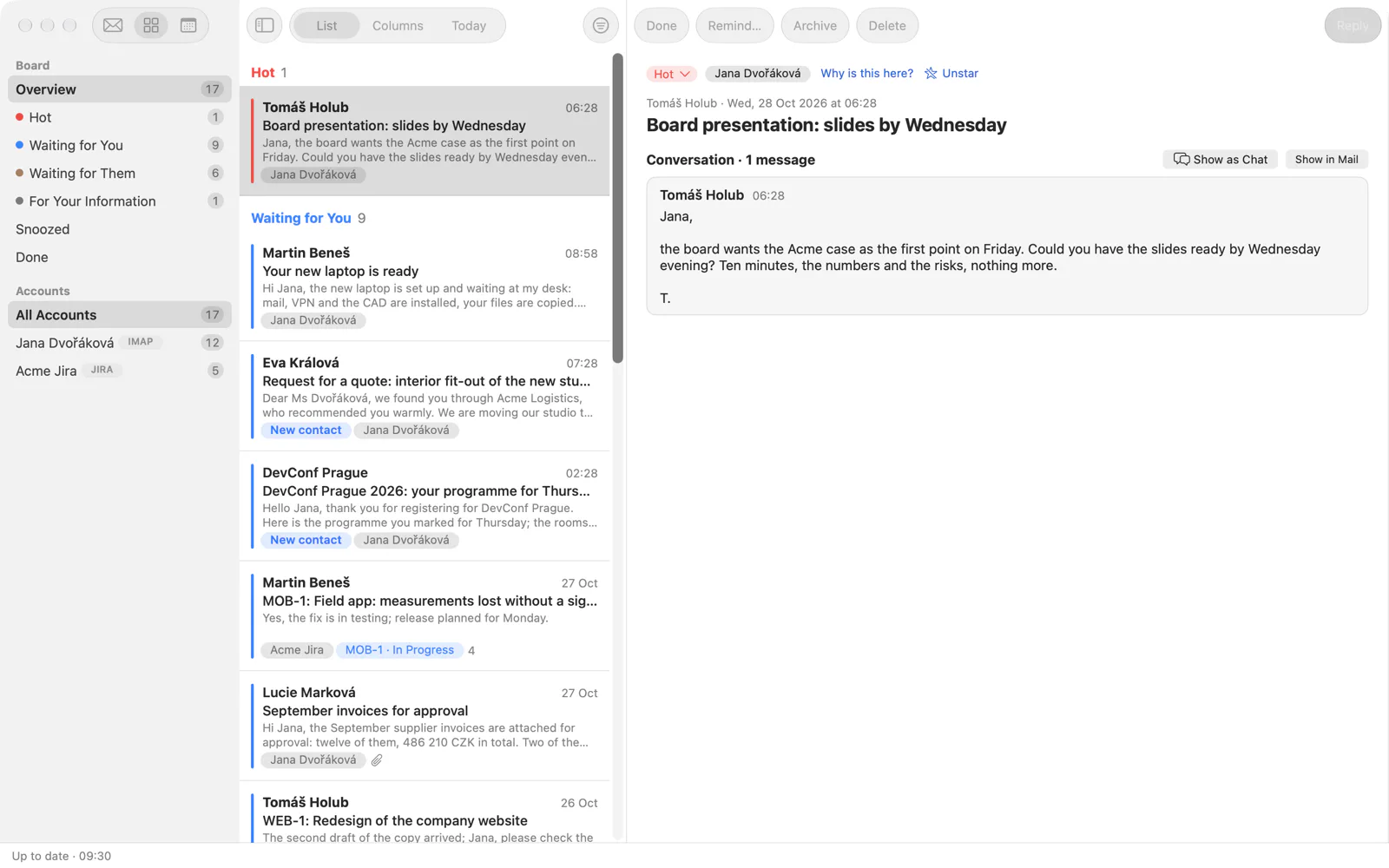
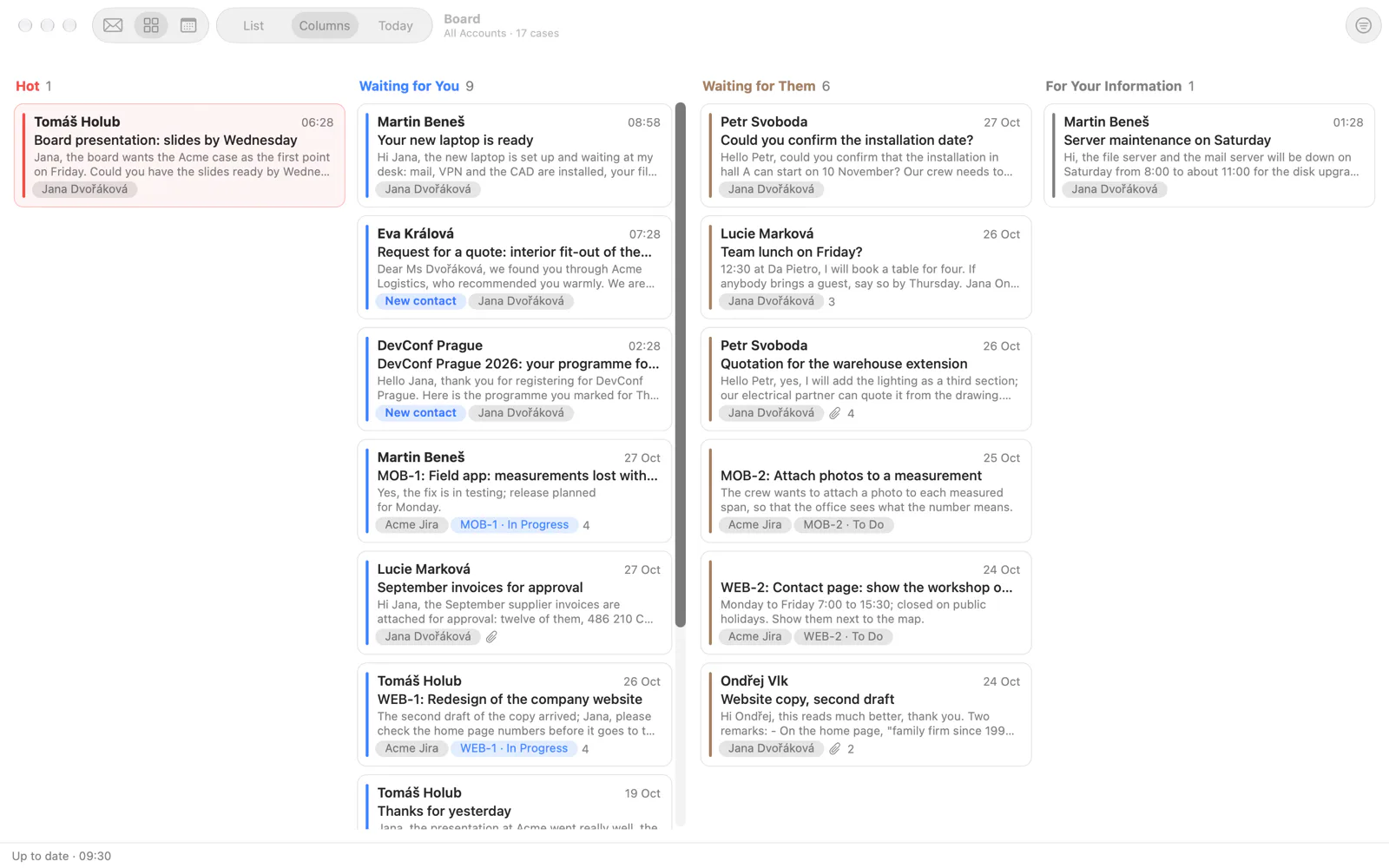
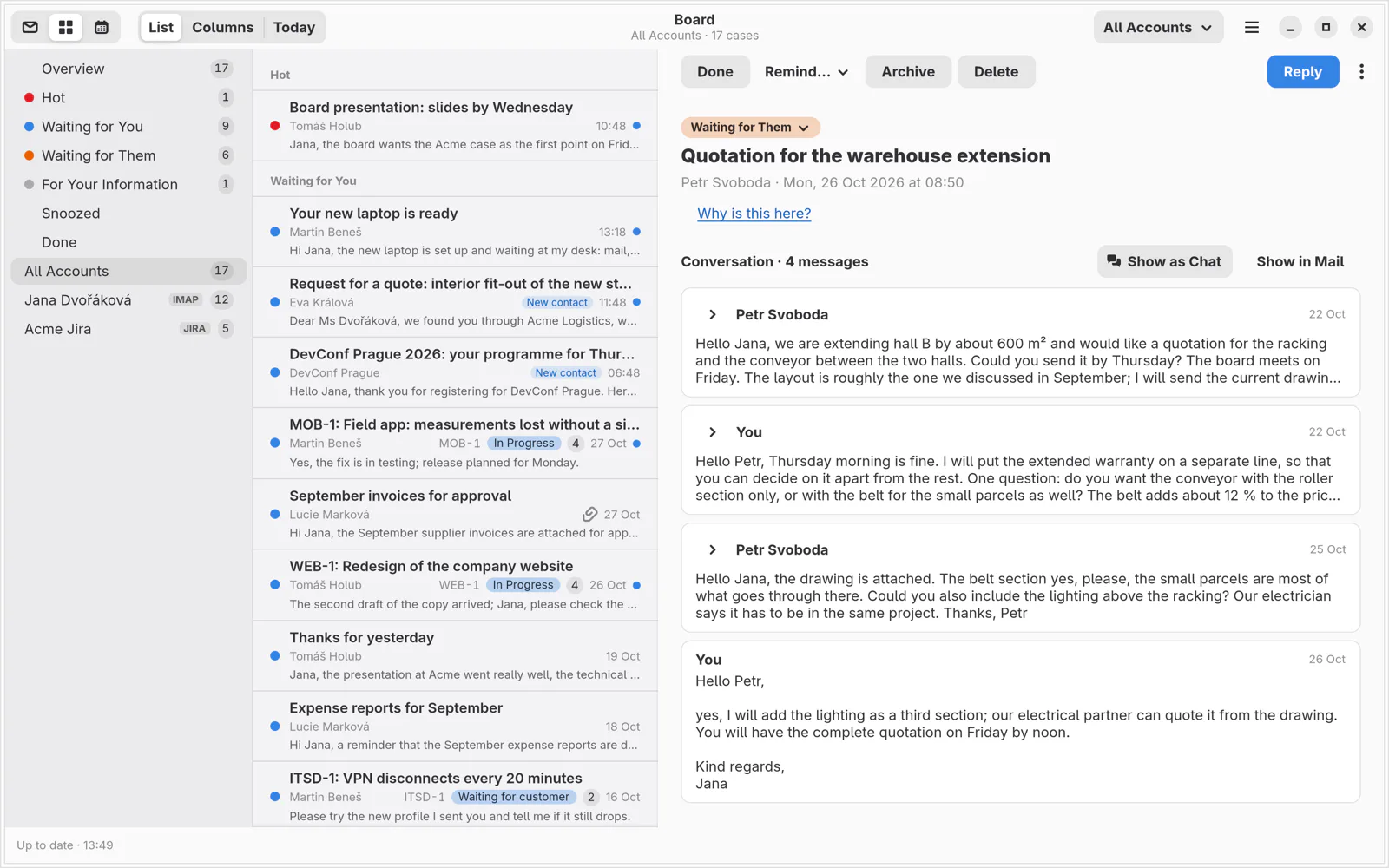
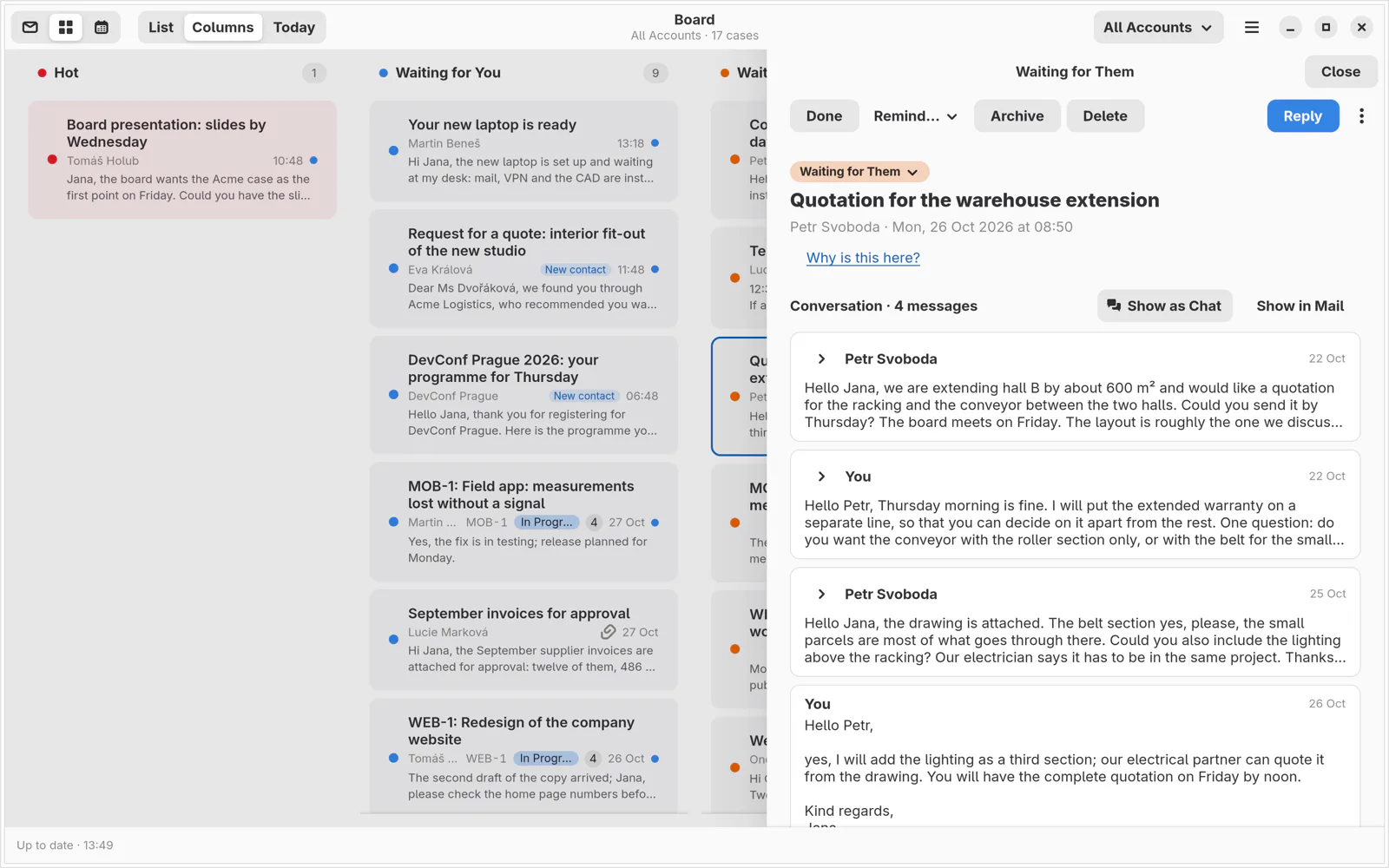
The Board
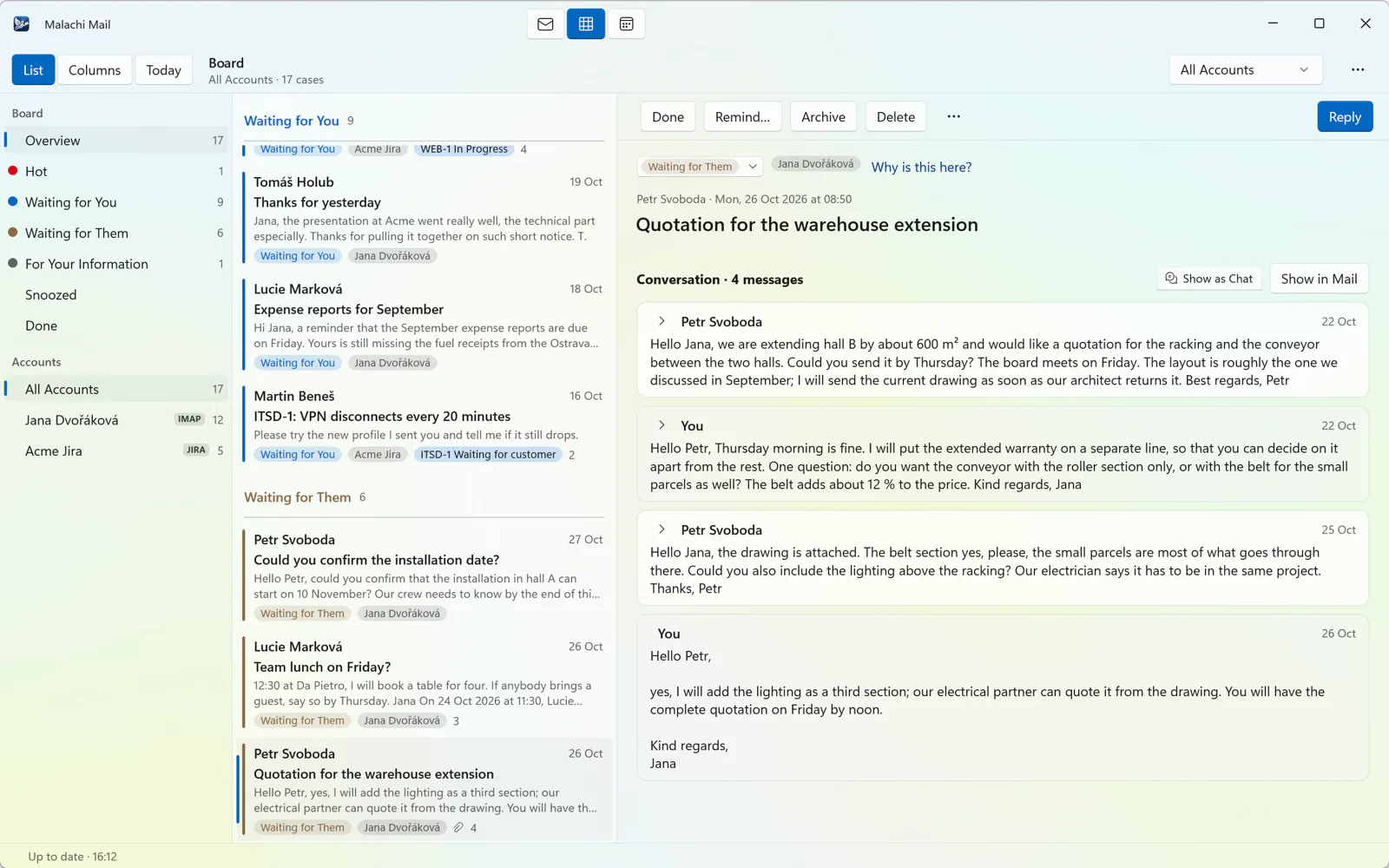
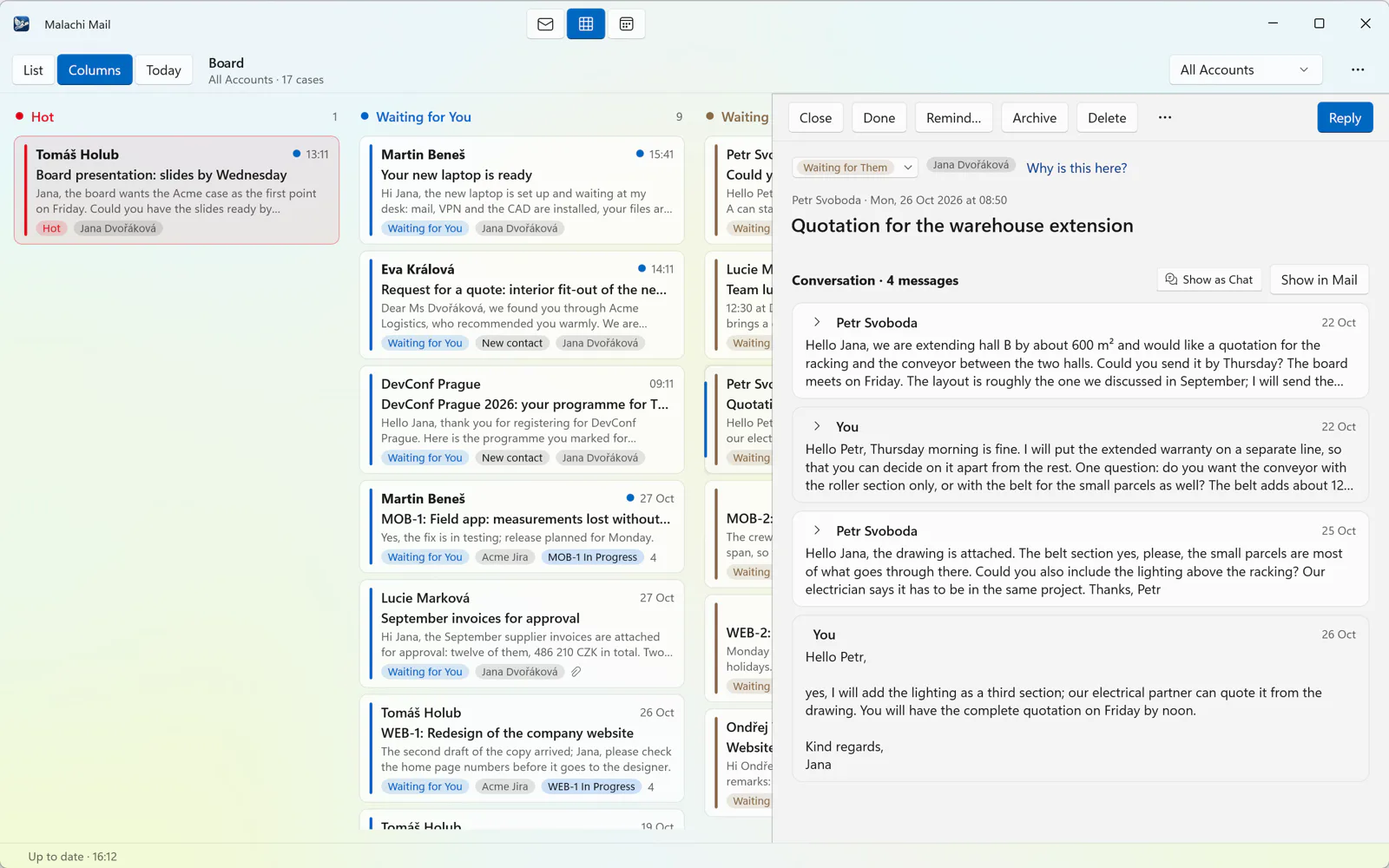
A view beside Mail that sorts your conversations into Hot, Waiting for You, Waiting for Them and For Your Information from the headers alone. Remind me, Done, Archive. It never reads the words of a message.
Search that works offline
While you type, in the folder, the account or all accounts; case and diacritics ignored.
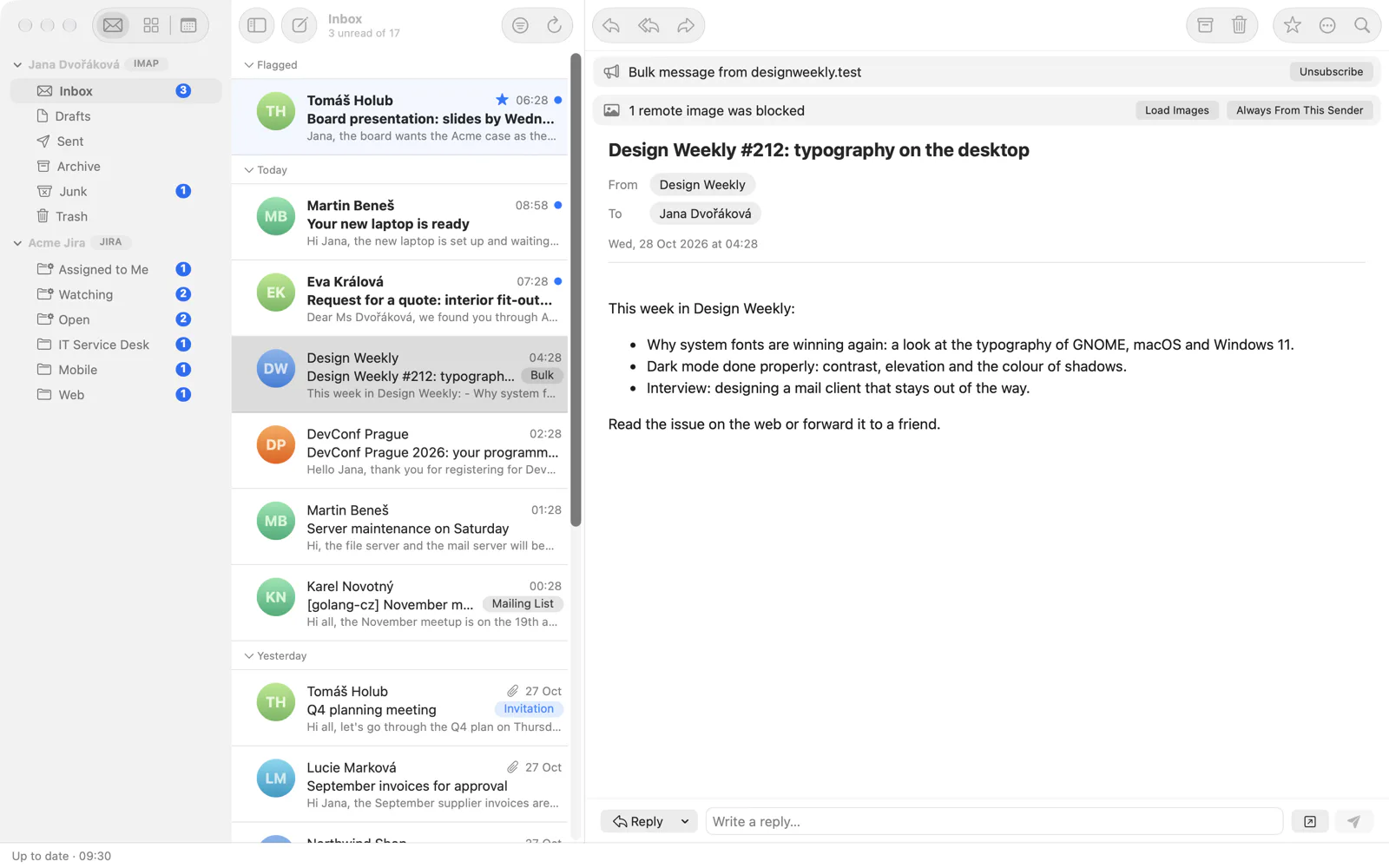
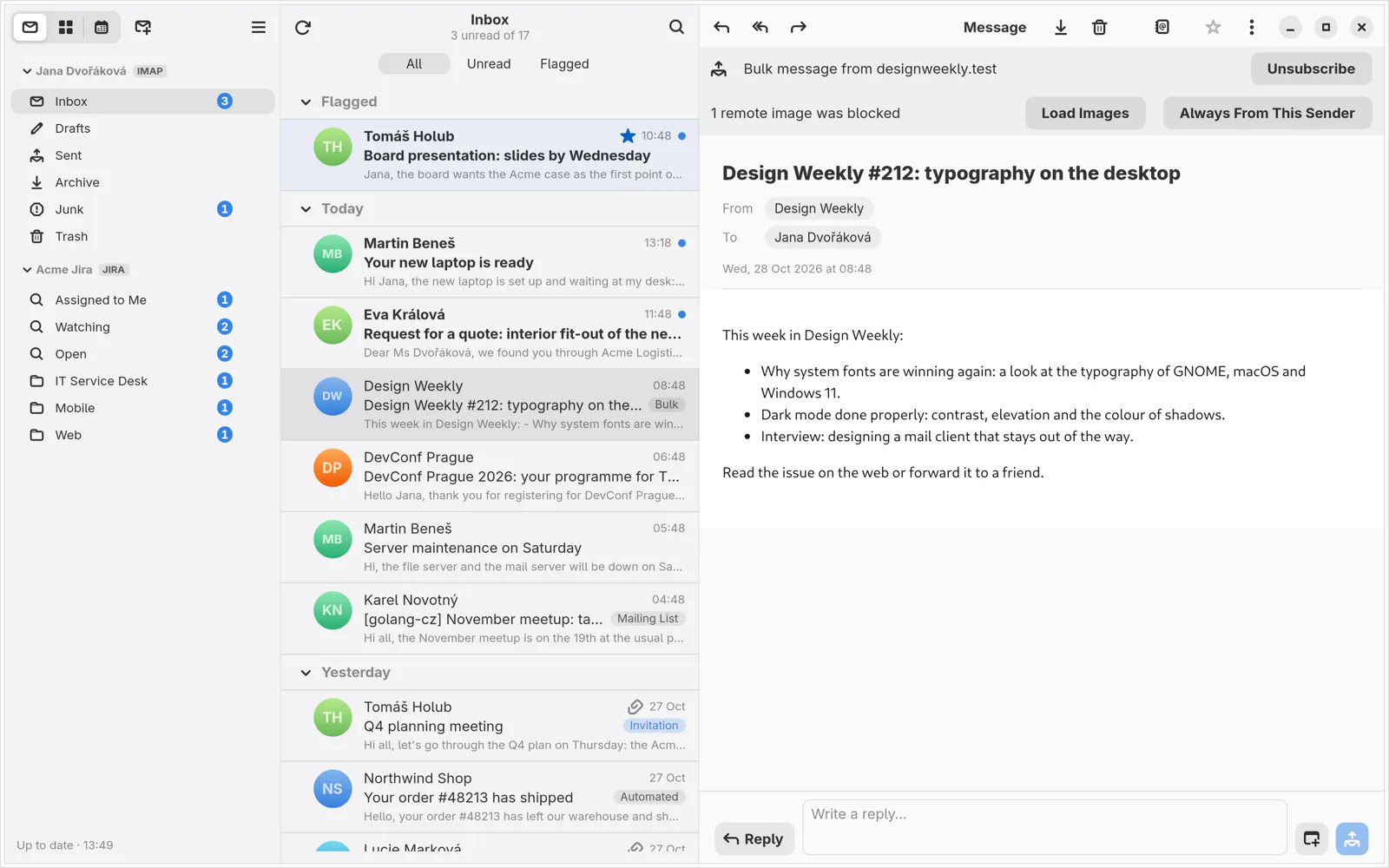
Newsletters under control
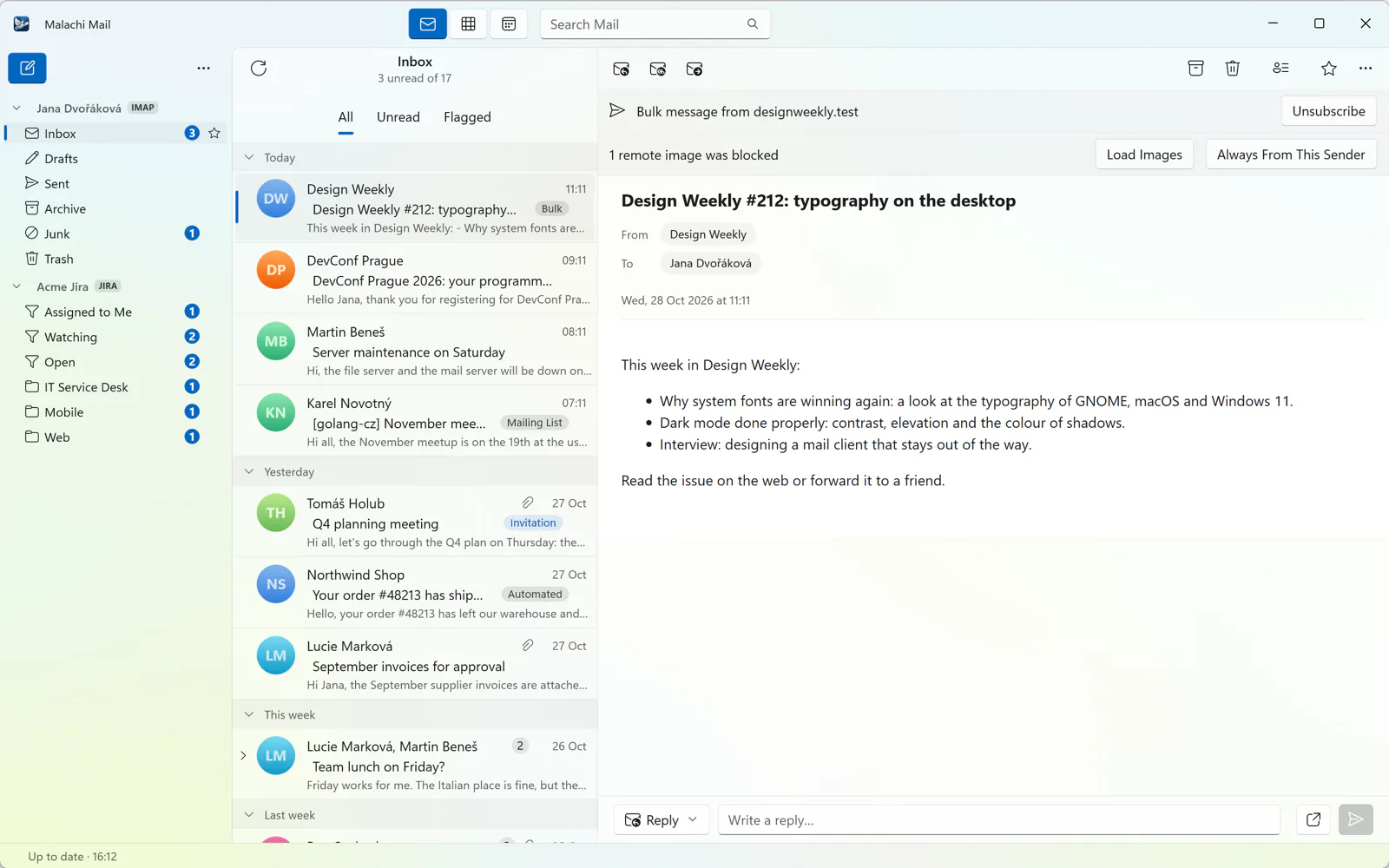
Mailing lists and newsletters are recognised and labelled. One click unsubscribes, and only when the sender's DKIM signature proves who they are.
Every account you have
A setup assistant finds the server; Microsoft 365 signs in in your browser; on GNOME, Online Accounts just work.
An assistant on your own account
Claude or ChatGPT, signed in as you, billed as your plan. It summarises, finds tasks and deadlines, rewrites a reply more politely or shorter, turns your words into a search and suggests replies. Nothing goes to the model before you ask.
Small pleasures
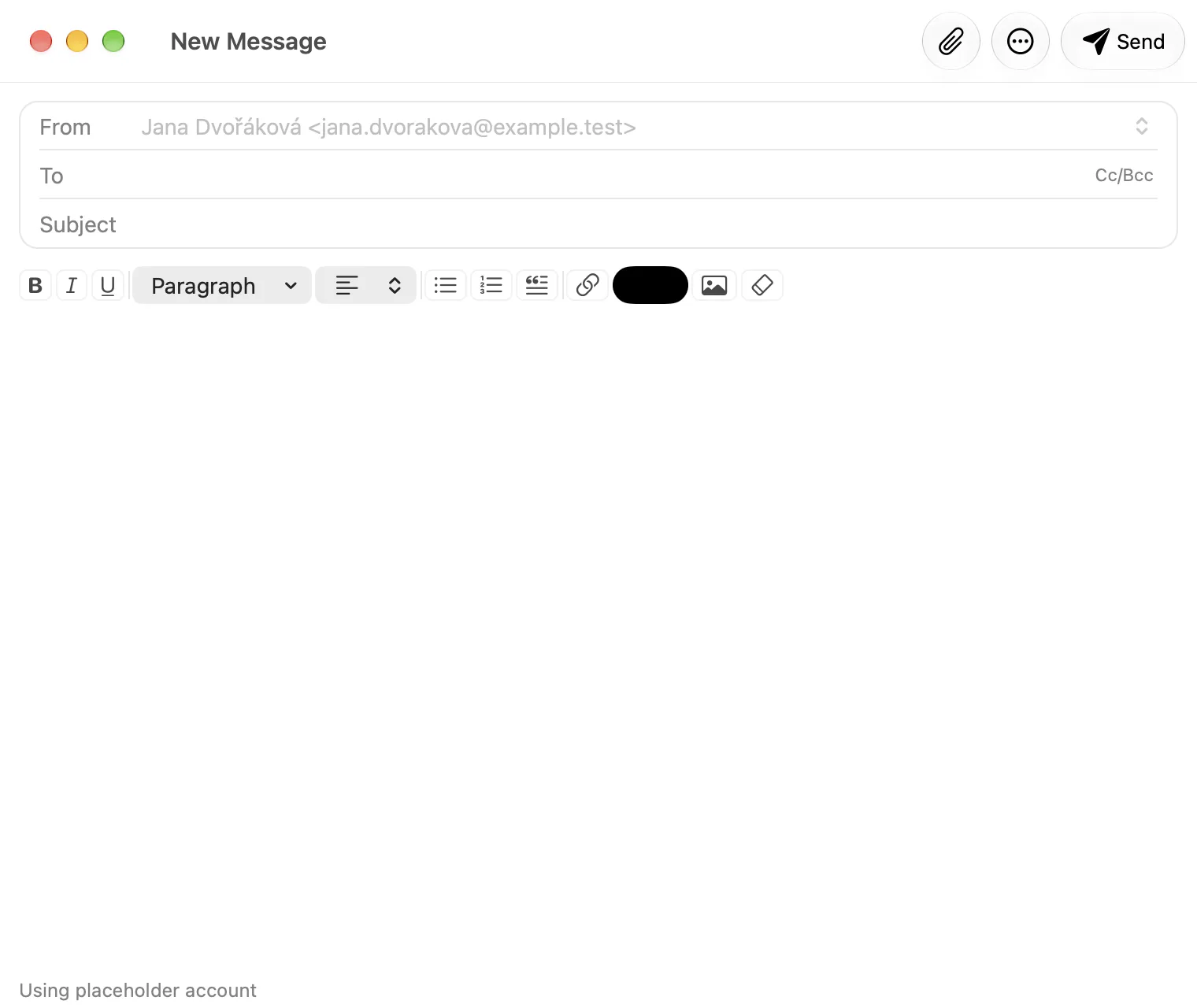
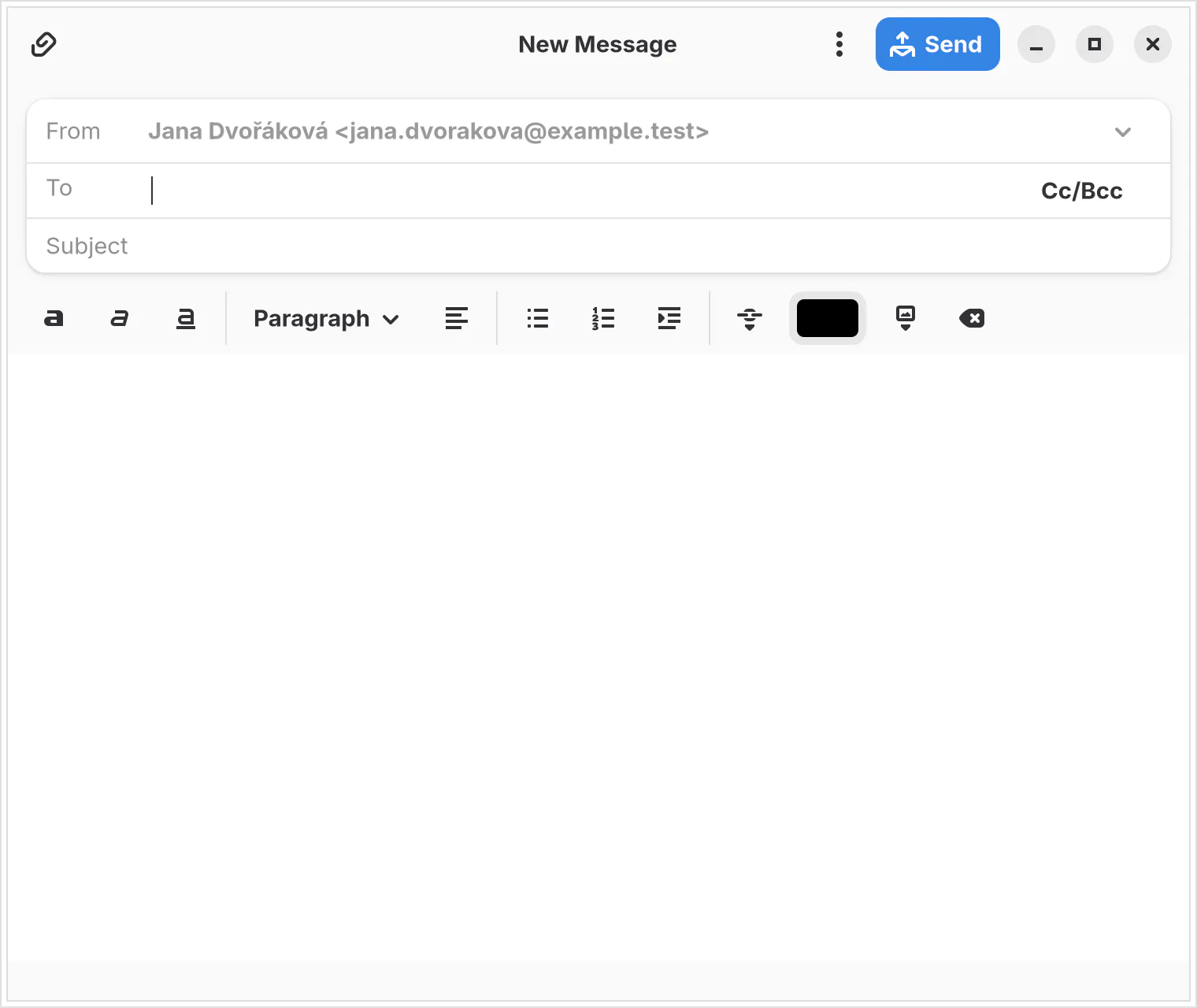
Plain text that looks like Markdown is pasted as formatted text. Recipients become badges. Drafts rest in the account's Drafts folder, so your phone sees them. Light and dark styles, favourite folders, a foldable sidebar. Czech from the first version.
Built for the working day
The parts other clients leave to add-ins, browser tabs and sticky notes.
Microsoft 365 and Outlook.com
Sign in in your browser, no app passwords, mail and calendar together, and it works where your company has switched the old ways of signing in off.
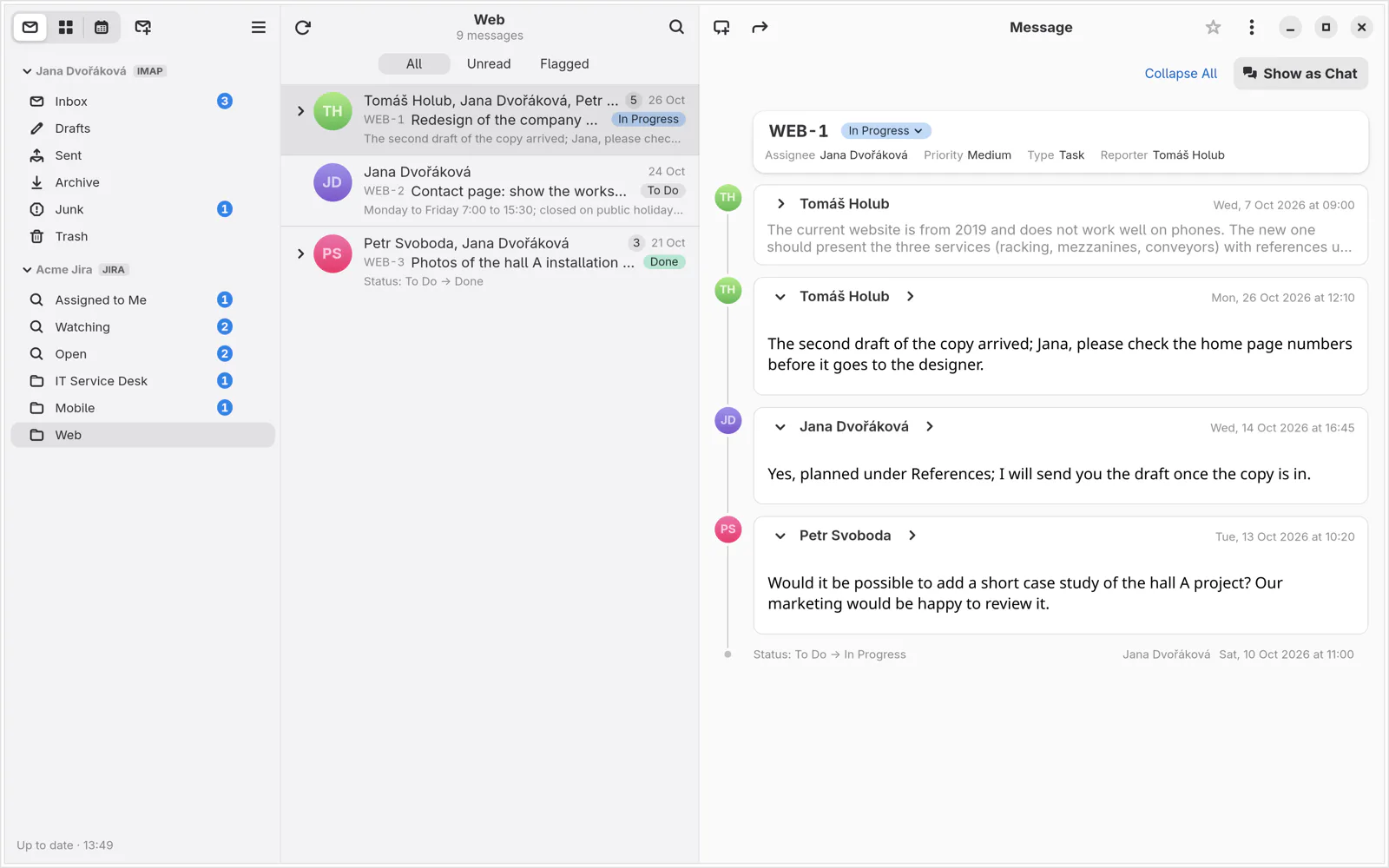
Jira in your mail client
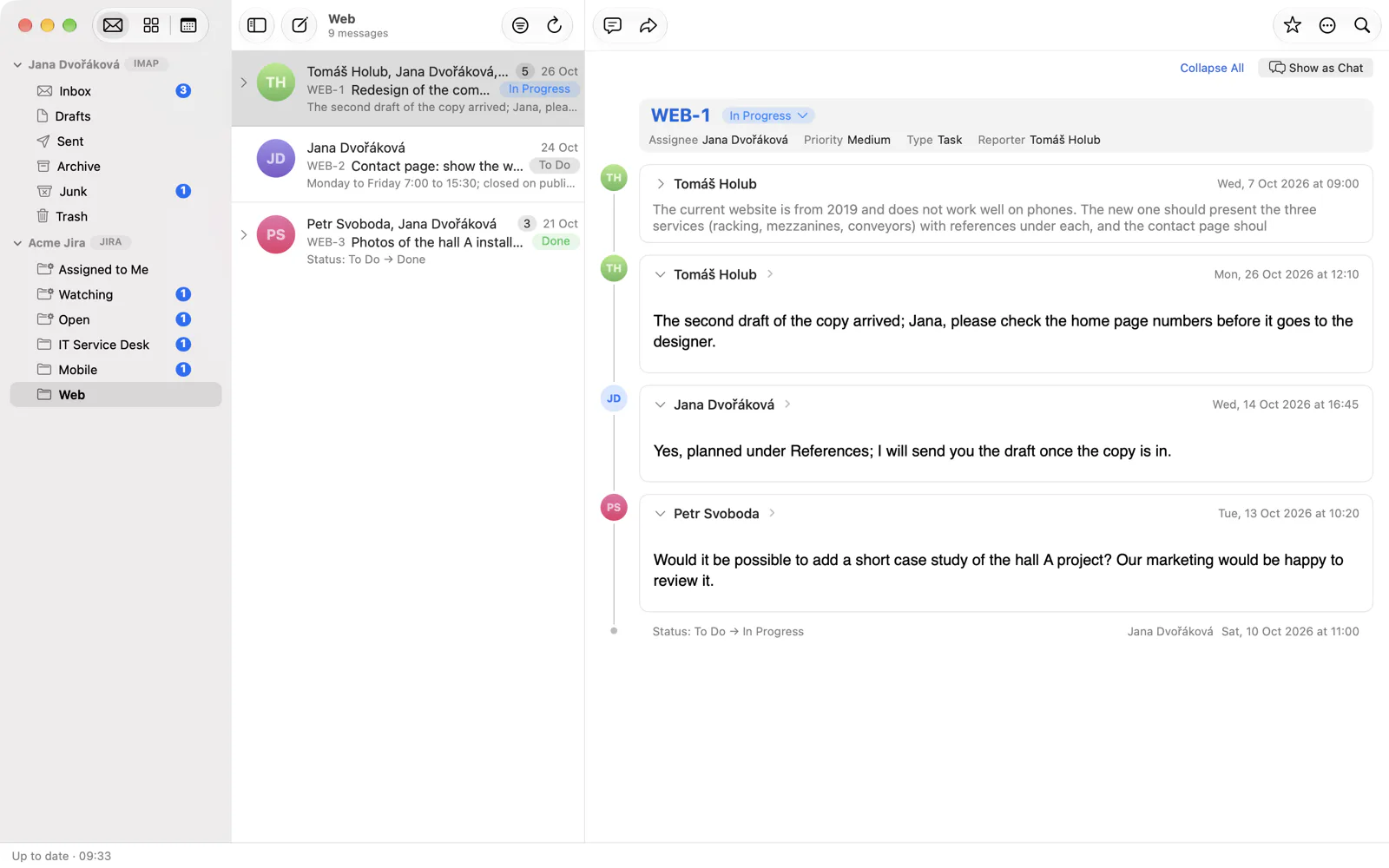
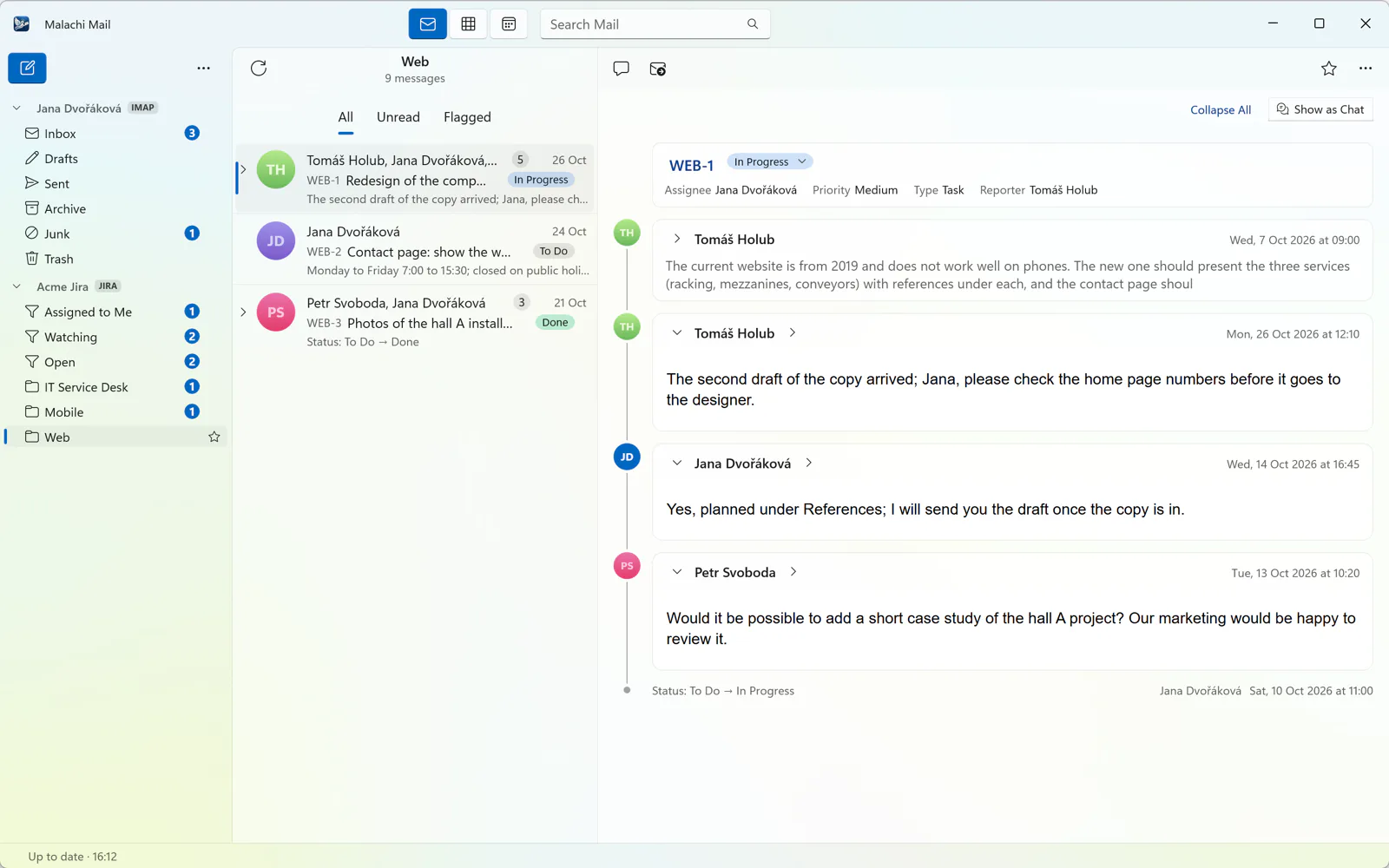
A Jira Cloud or Data Center site is an account. Issues are read as conversations: the description, every comment, every status change. Comment in place of a reply, change the status from the issue card, hide the site's notification mail.
eWay-CRM
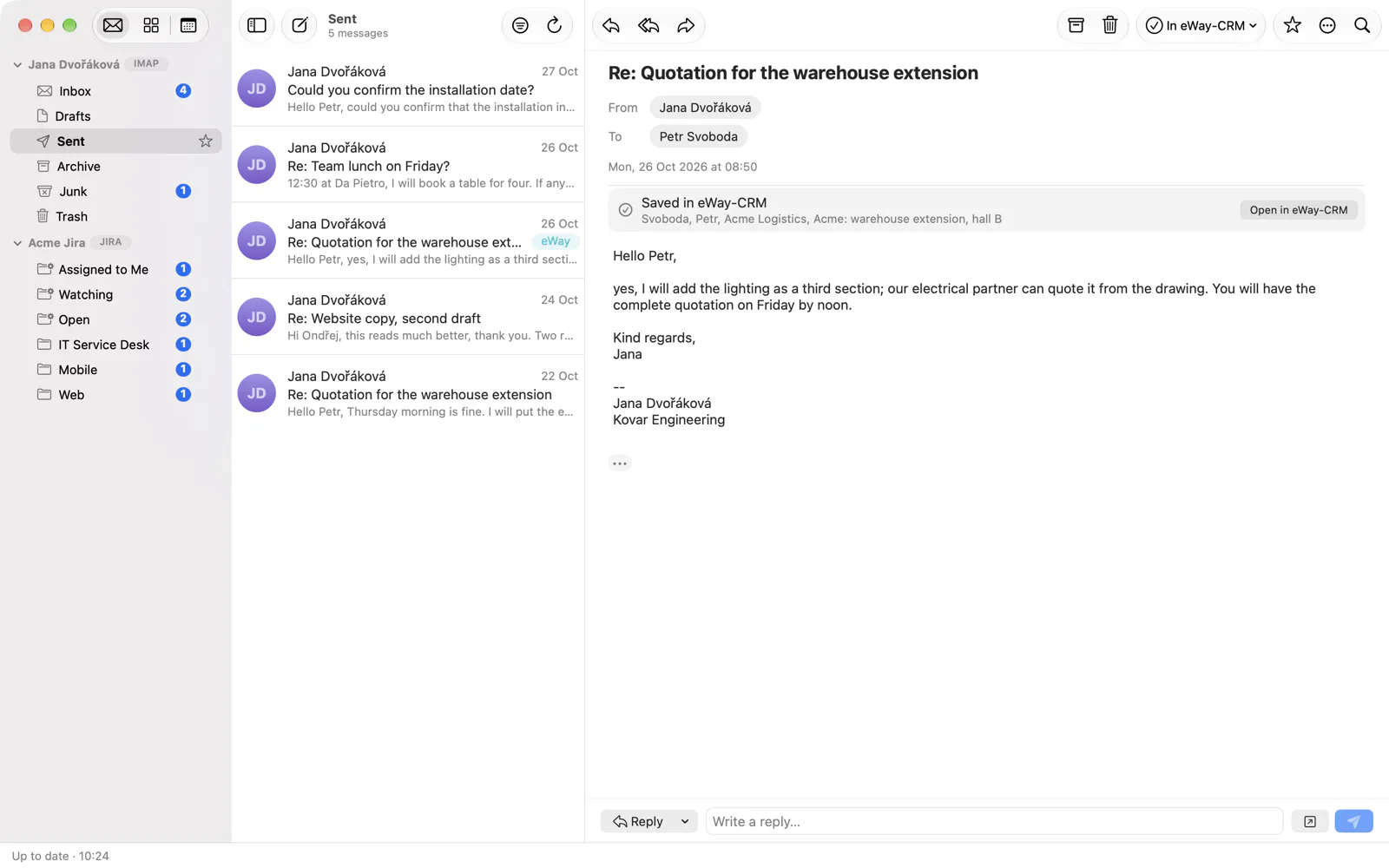
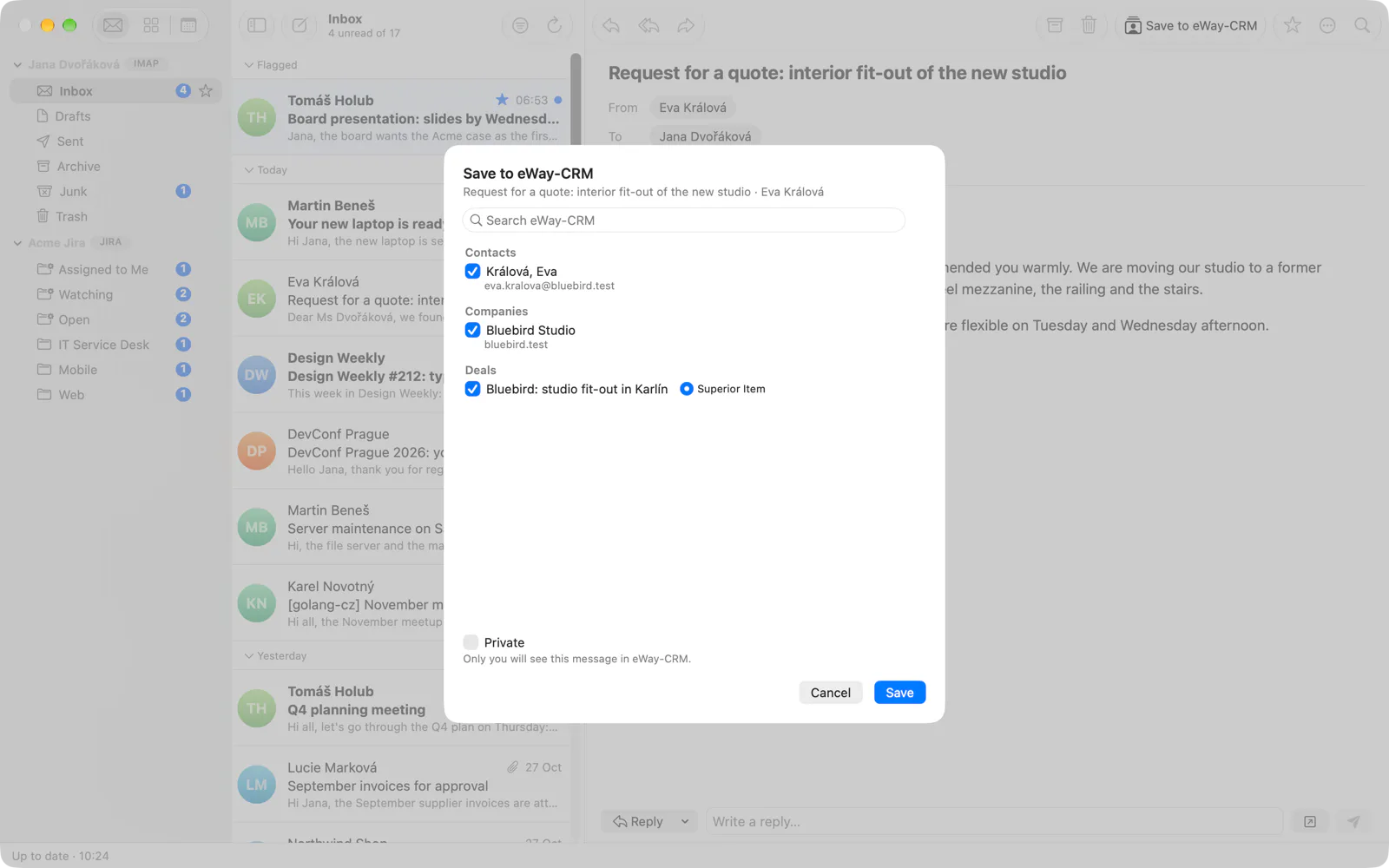
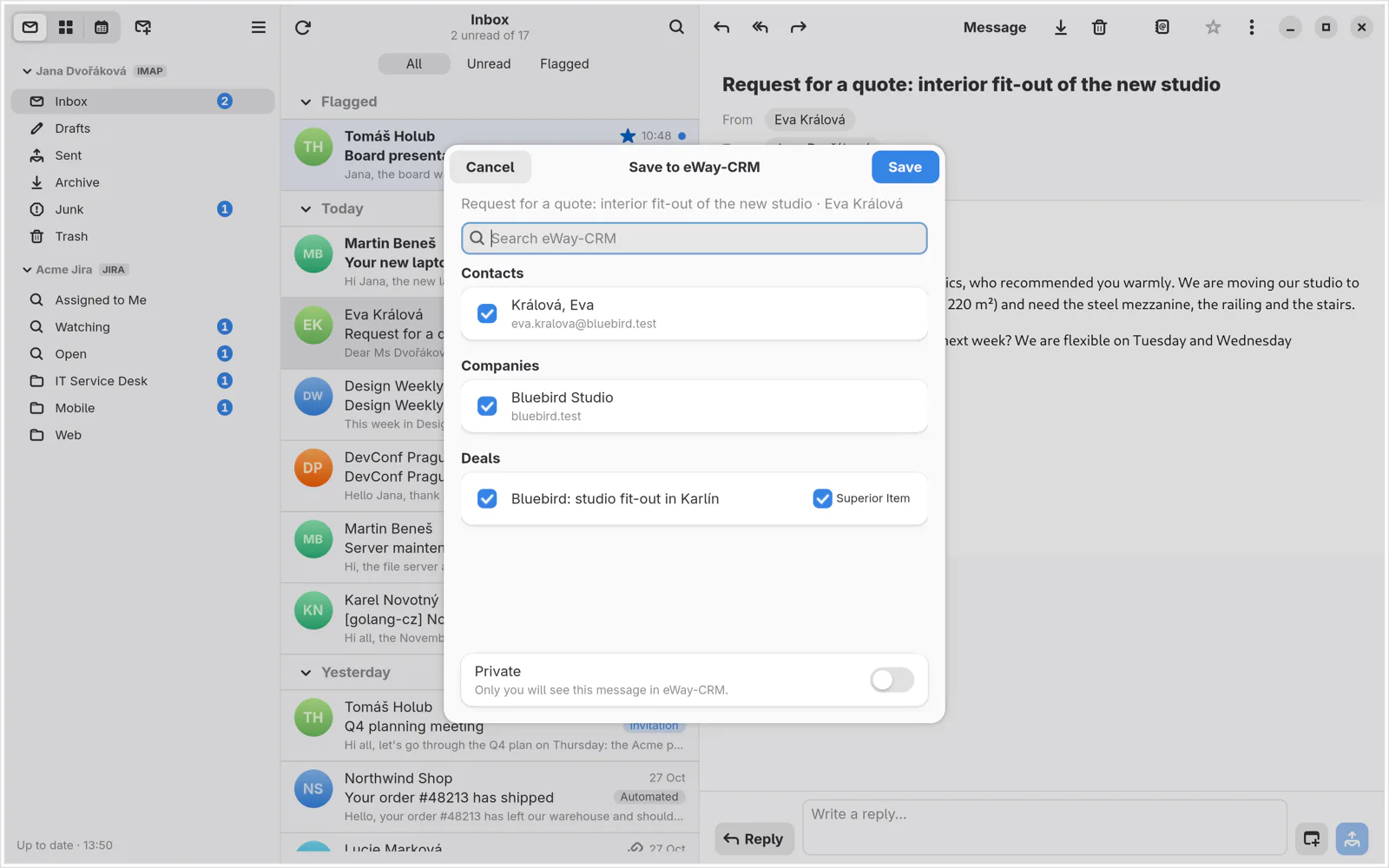
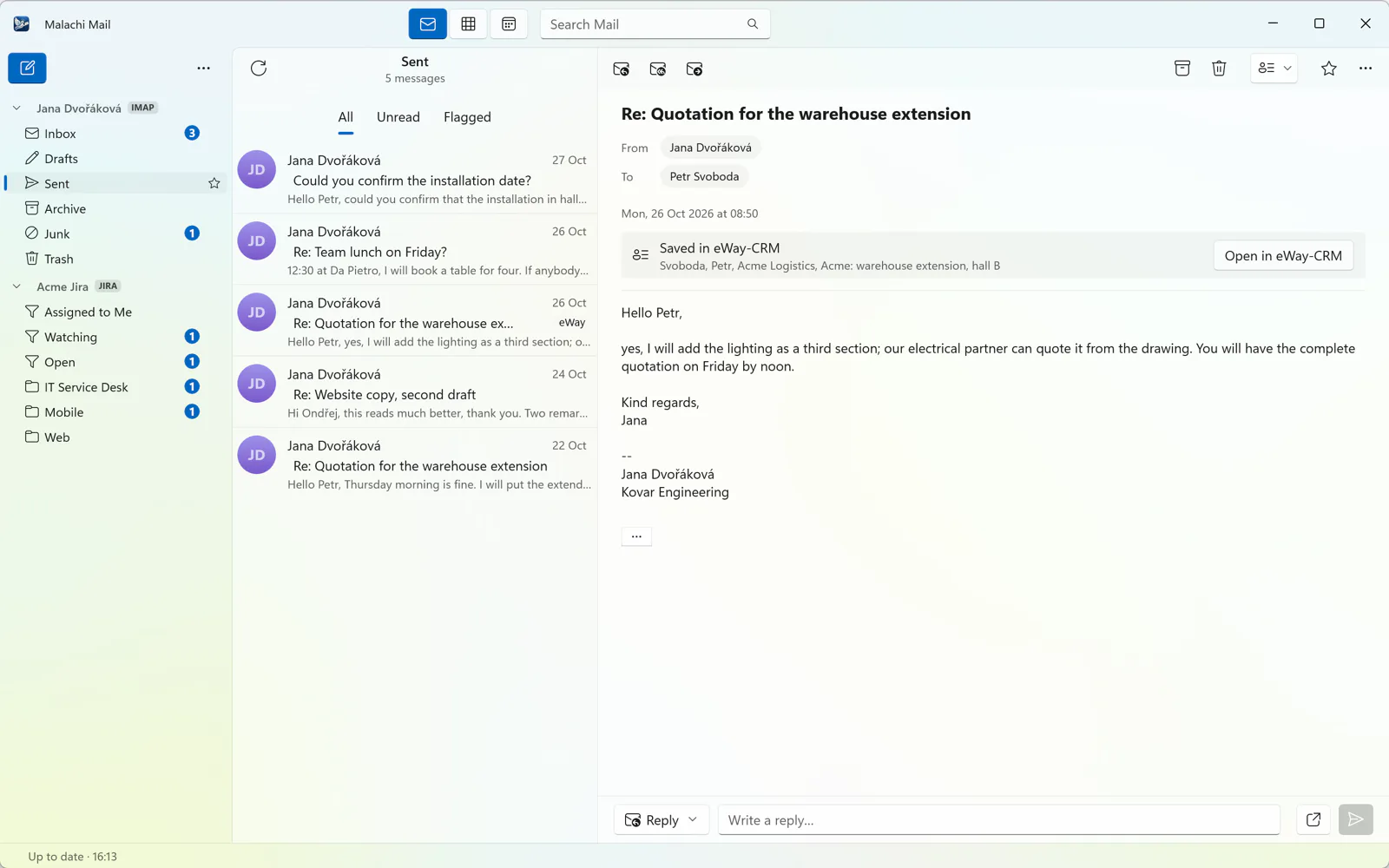
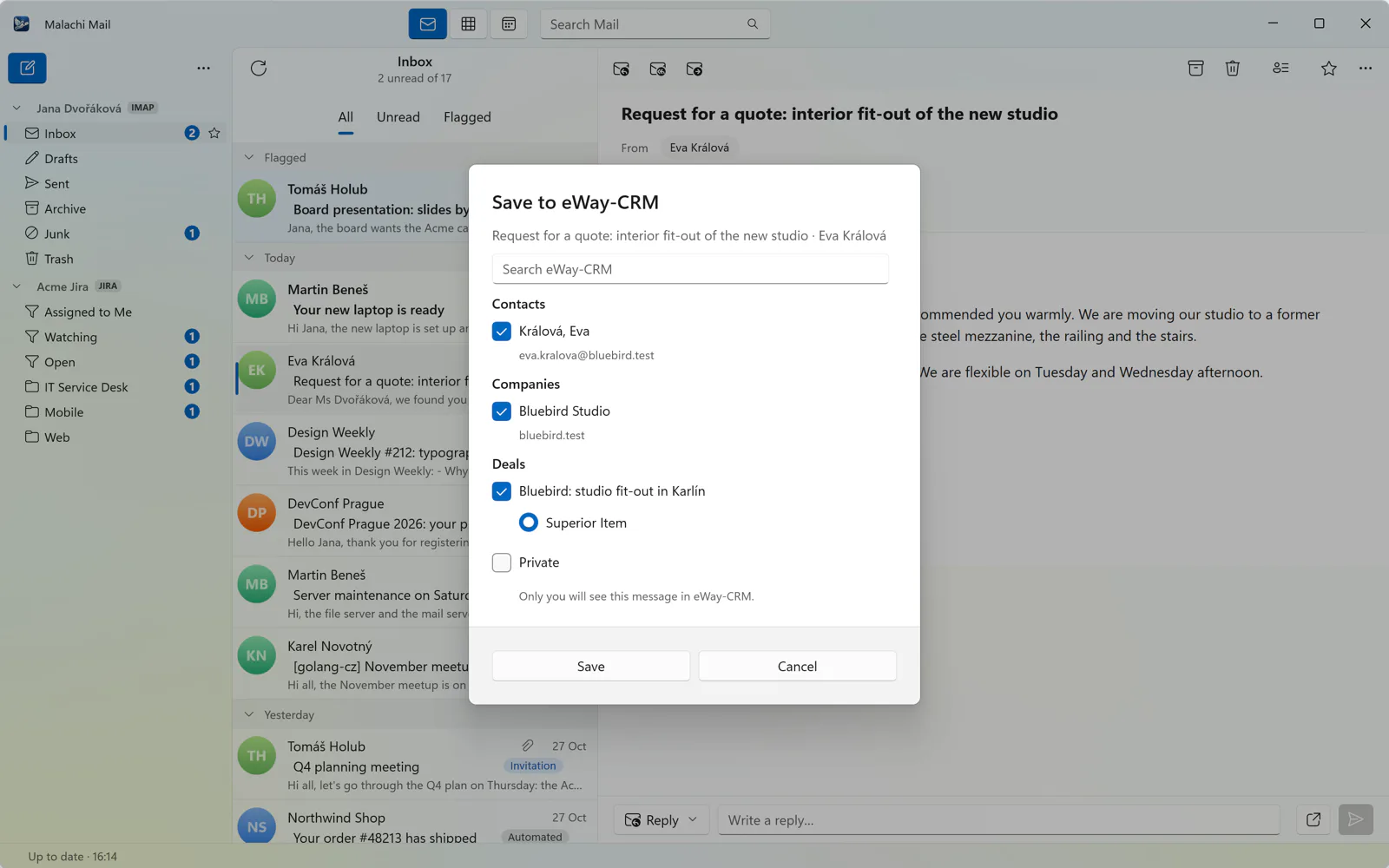
Save a message to eWay-CRM with links to contacts, companies, deals and projects, and the rest of its conversation follows it. Built in, on Linux and macOS as well as Windows.
A board that remembers follow-ups
Waiting for Them is your follow-up list. The assistant can note a title, a summary, tasks, a deadline with its exact quote and a promise you made, by hand or on a schedule, and draft a reply that you edit right on the board.
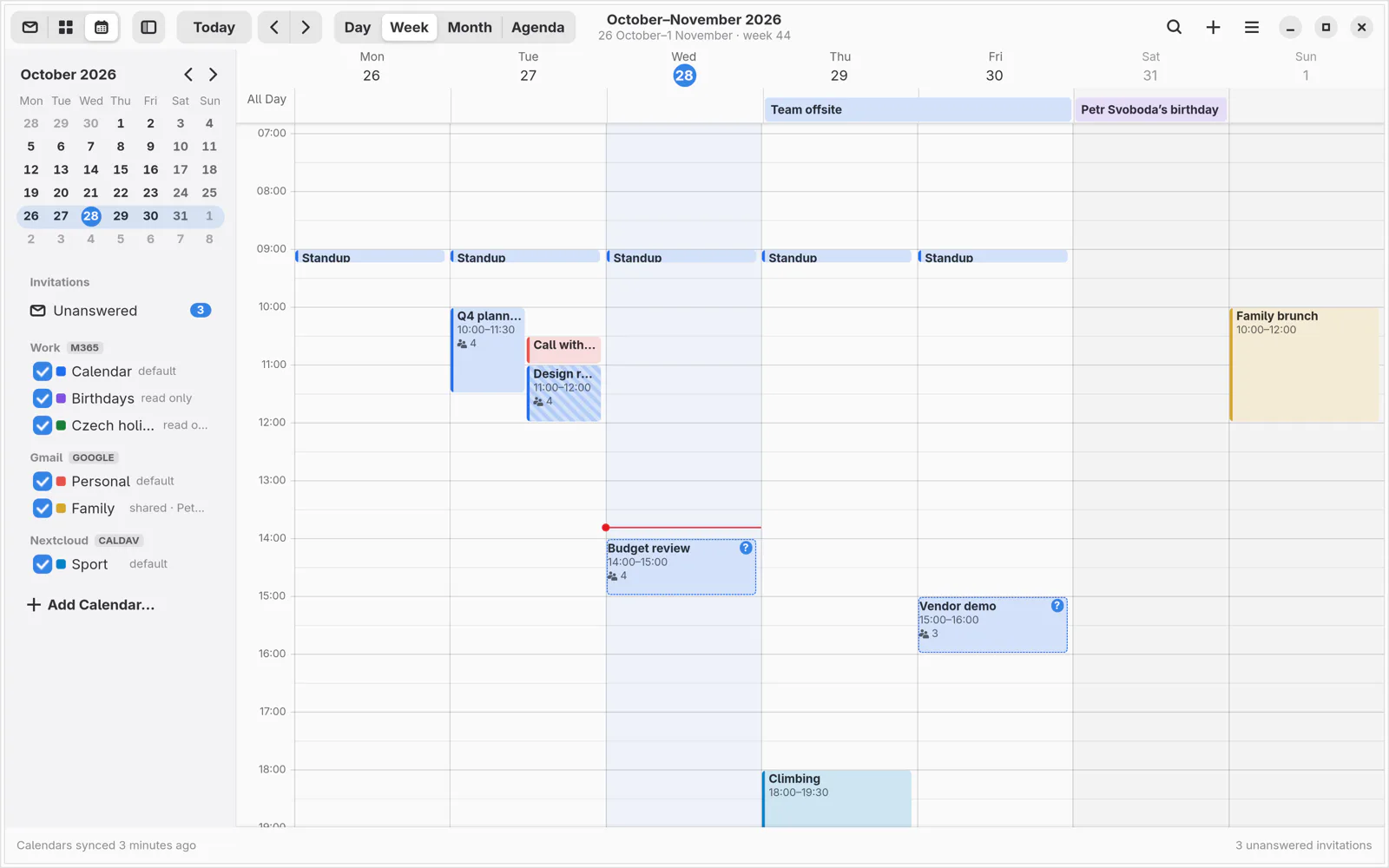
Calendar
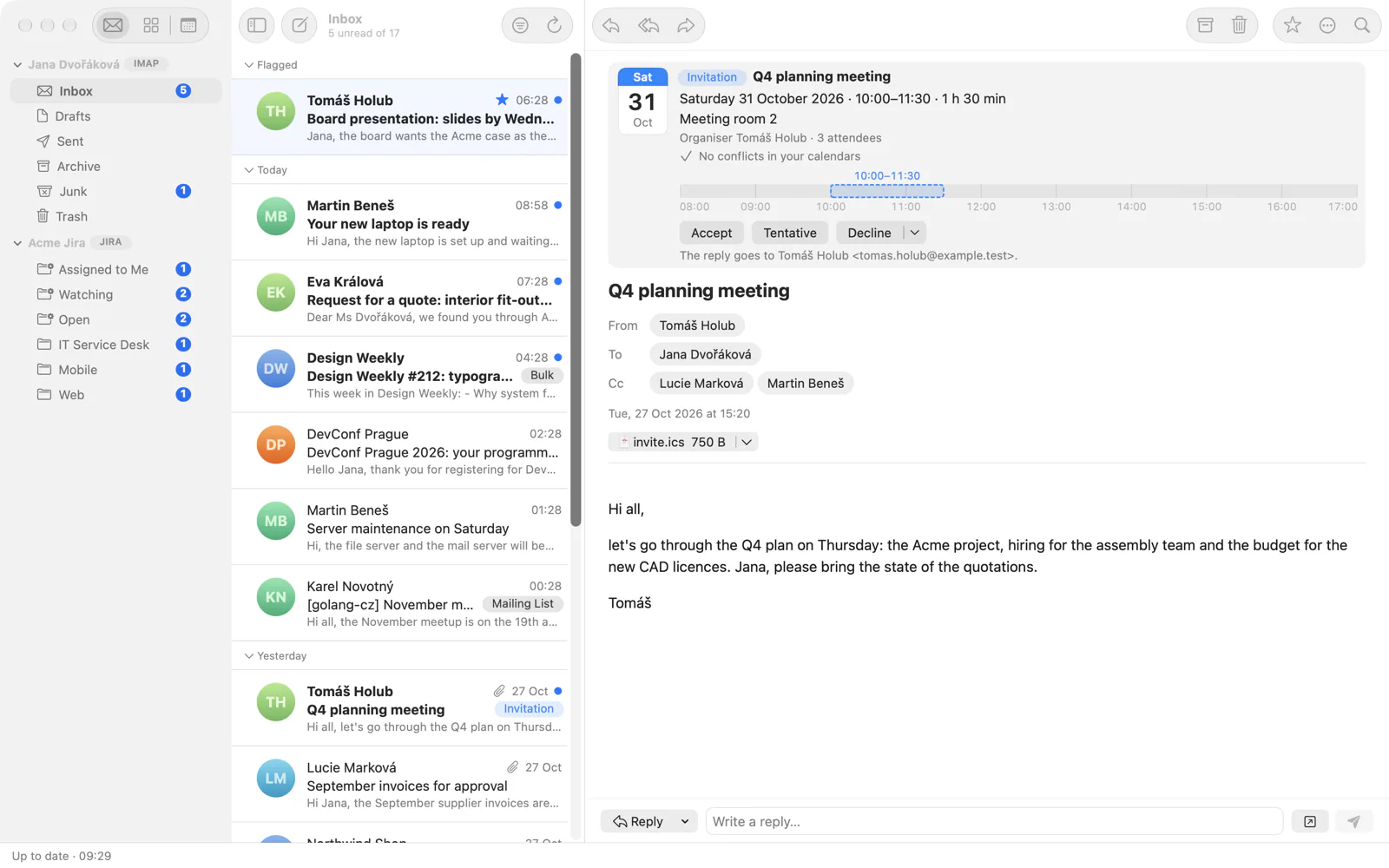
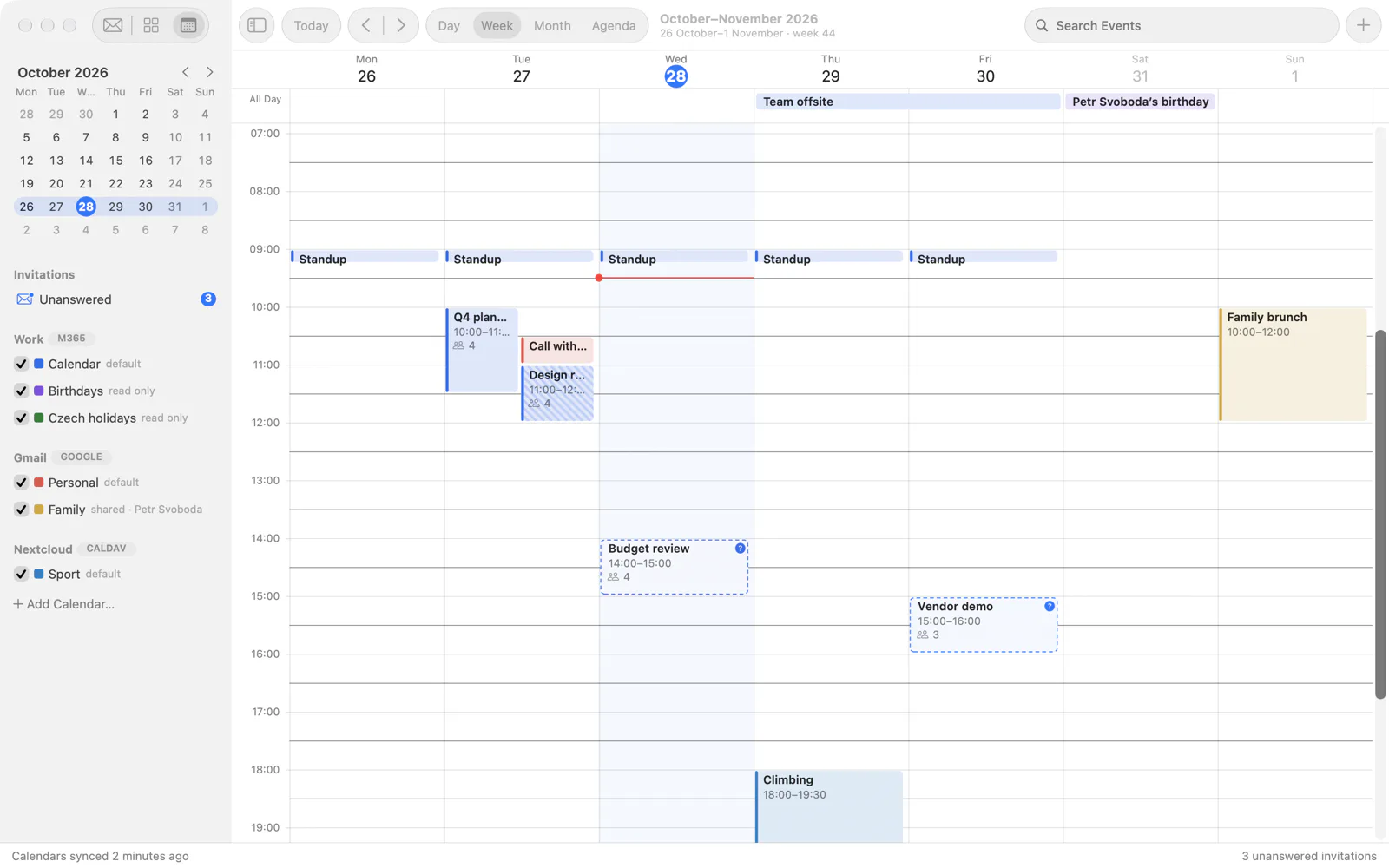
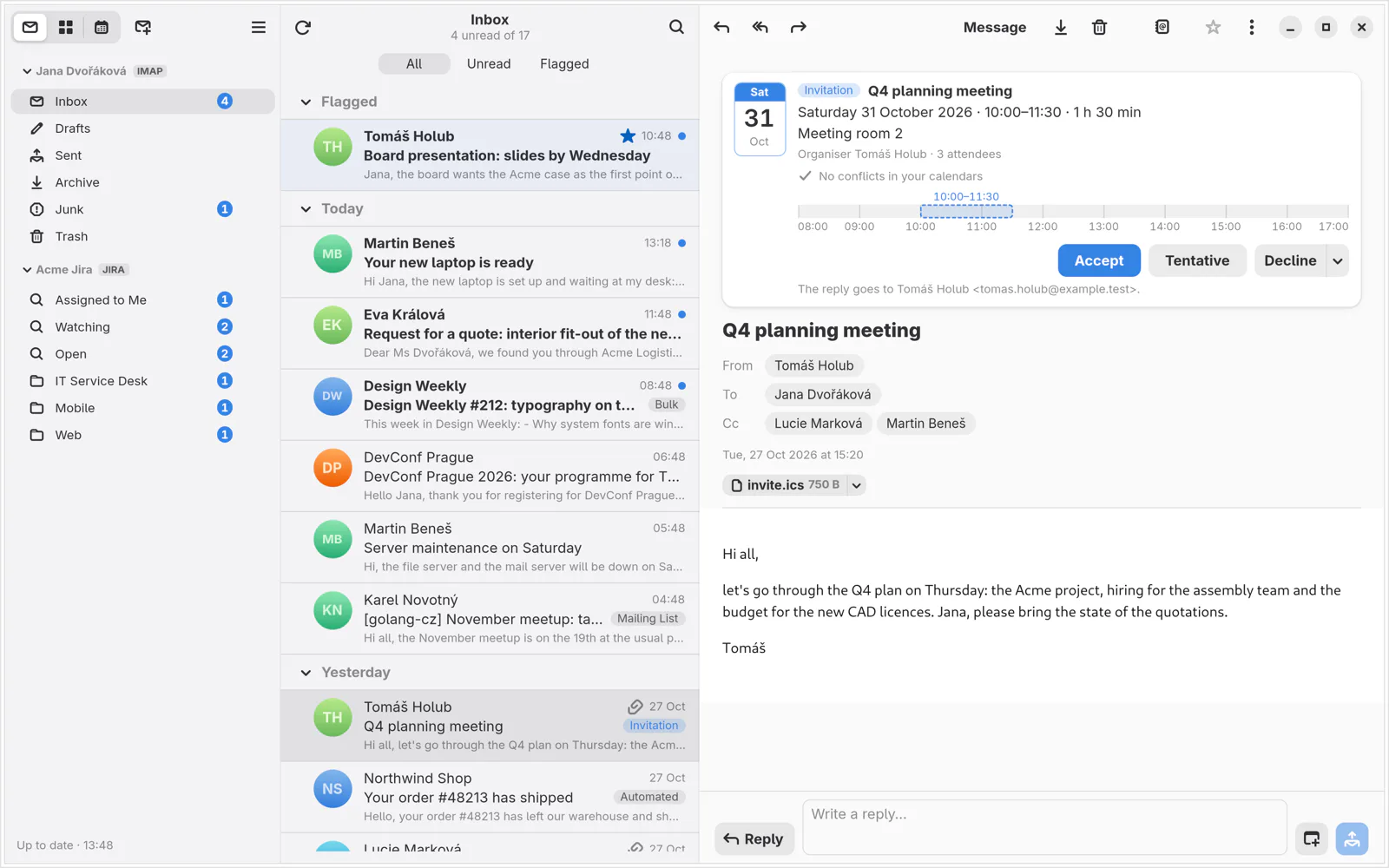
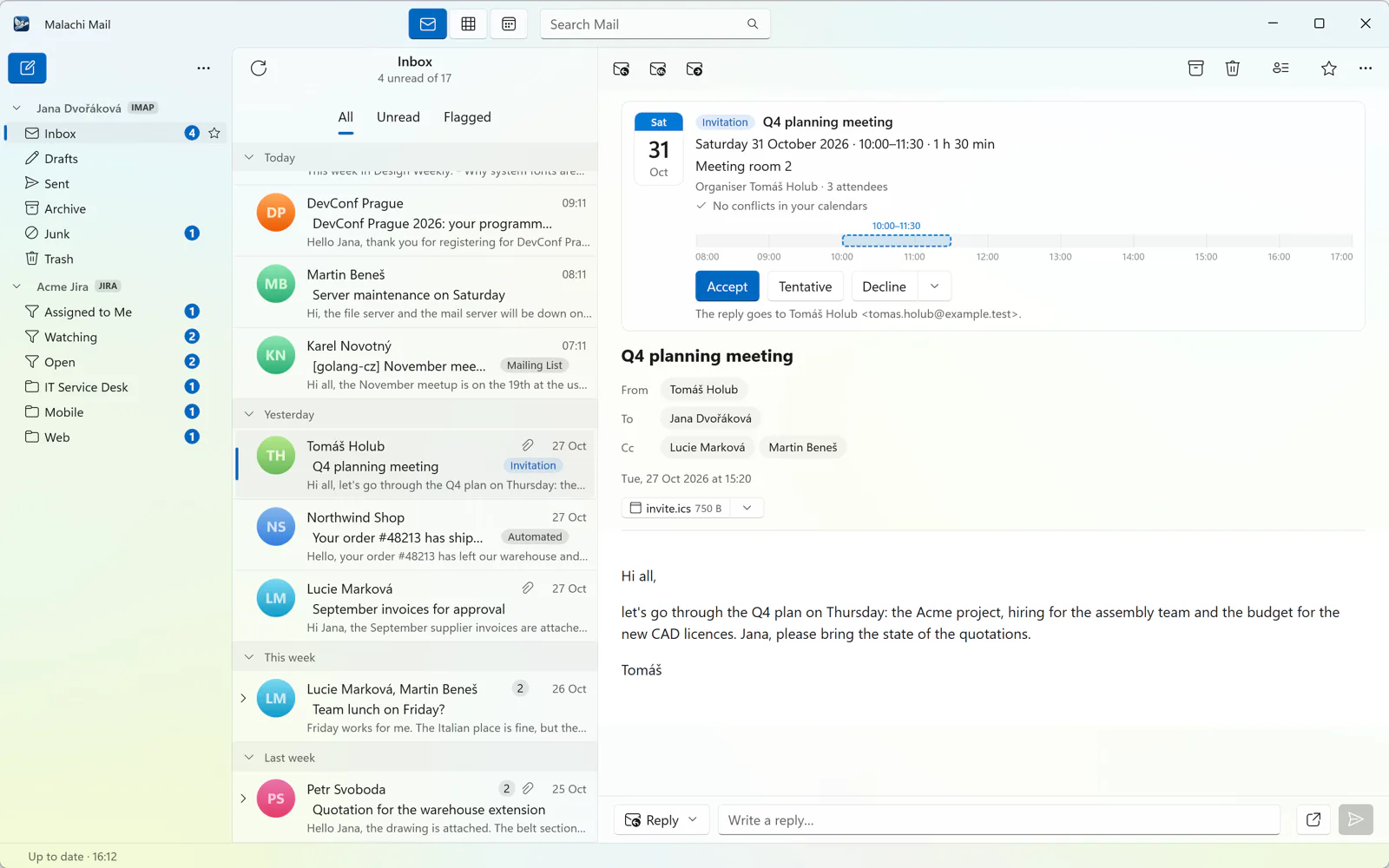
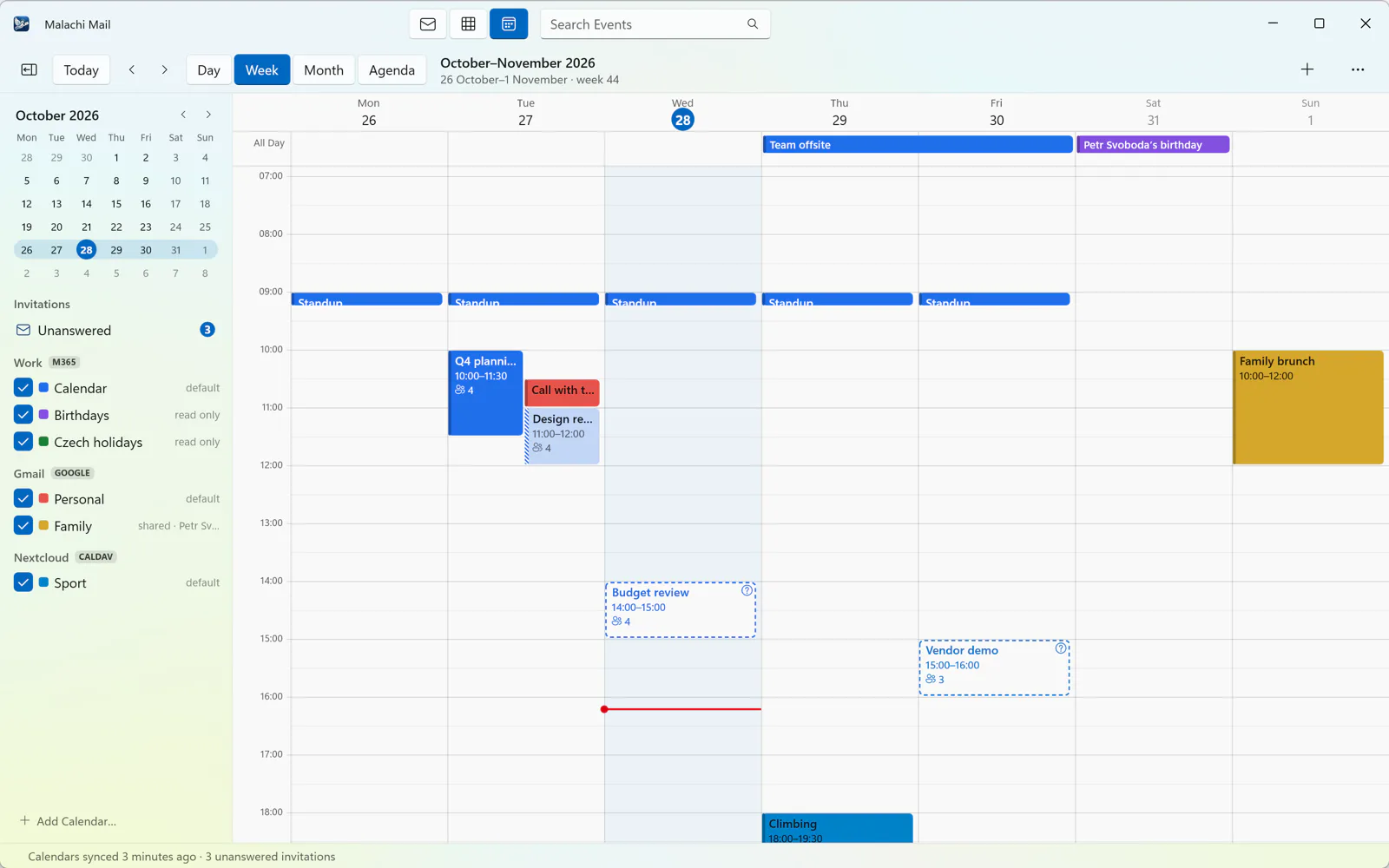
Microsoft 365 and CalDAV calendars (Nextcloud, iCloud, Fastmail, Radicale and others), by day, week, month or as an agenda, with reminders. Invitations are answered from the message; a free slot is found across your calendars.
Writes as you, per account
A profile tells the assistant who you are and how you write, with a note per account: a different signature and tone for the company address than for the private one.
A look around
The same eleven scenes on each desktop, taken over a sample mailbox with a Jira account and an eWay-CRM connection; pick the platform.
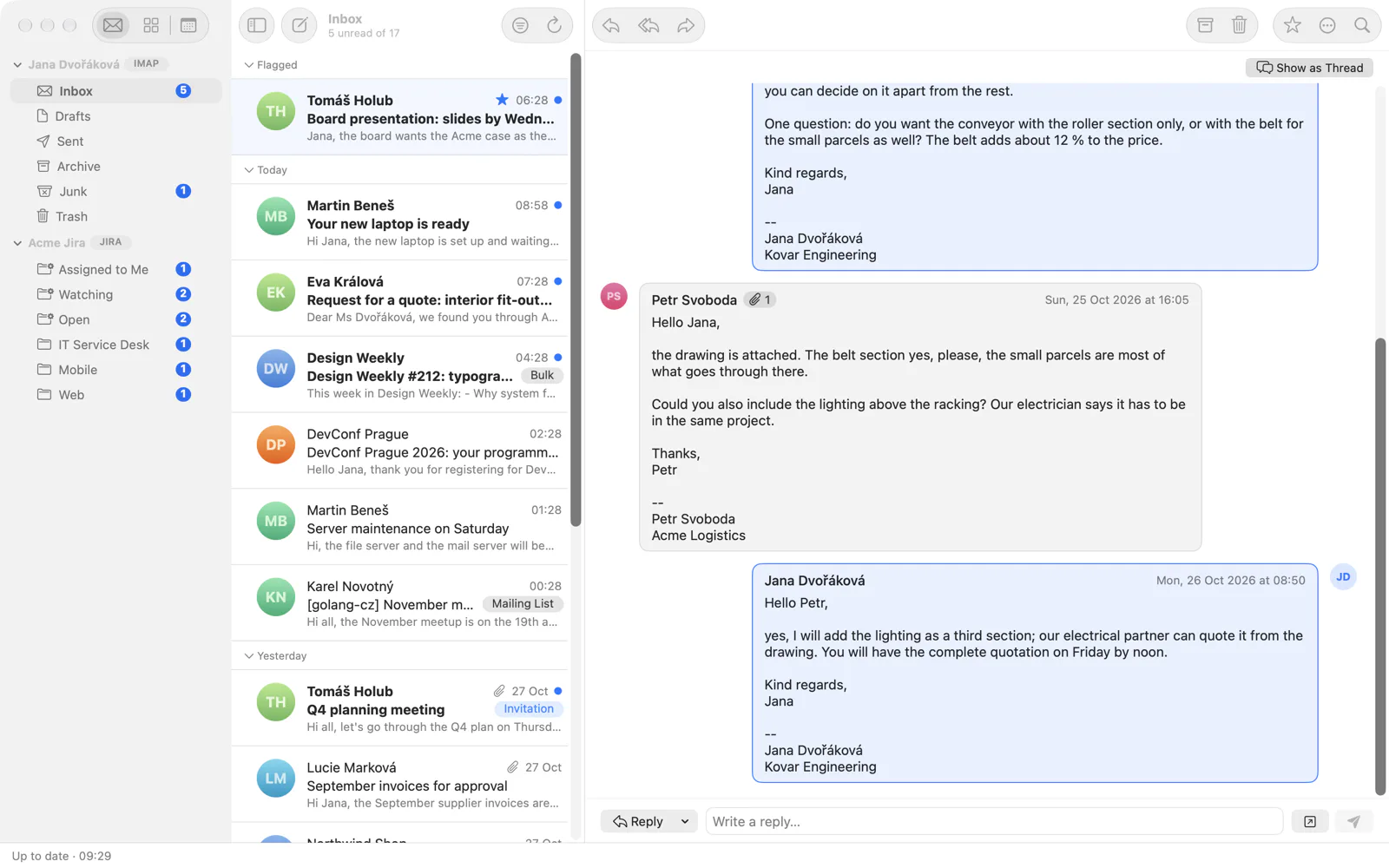
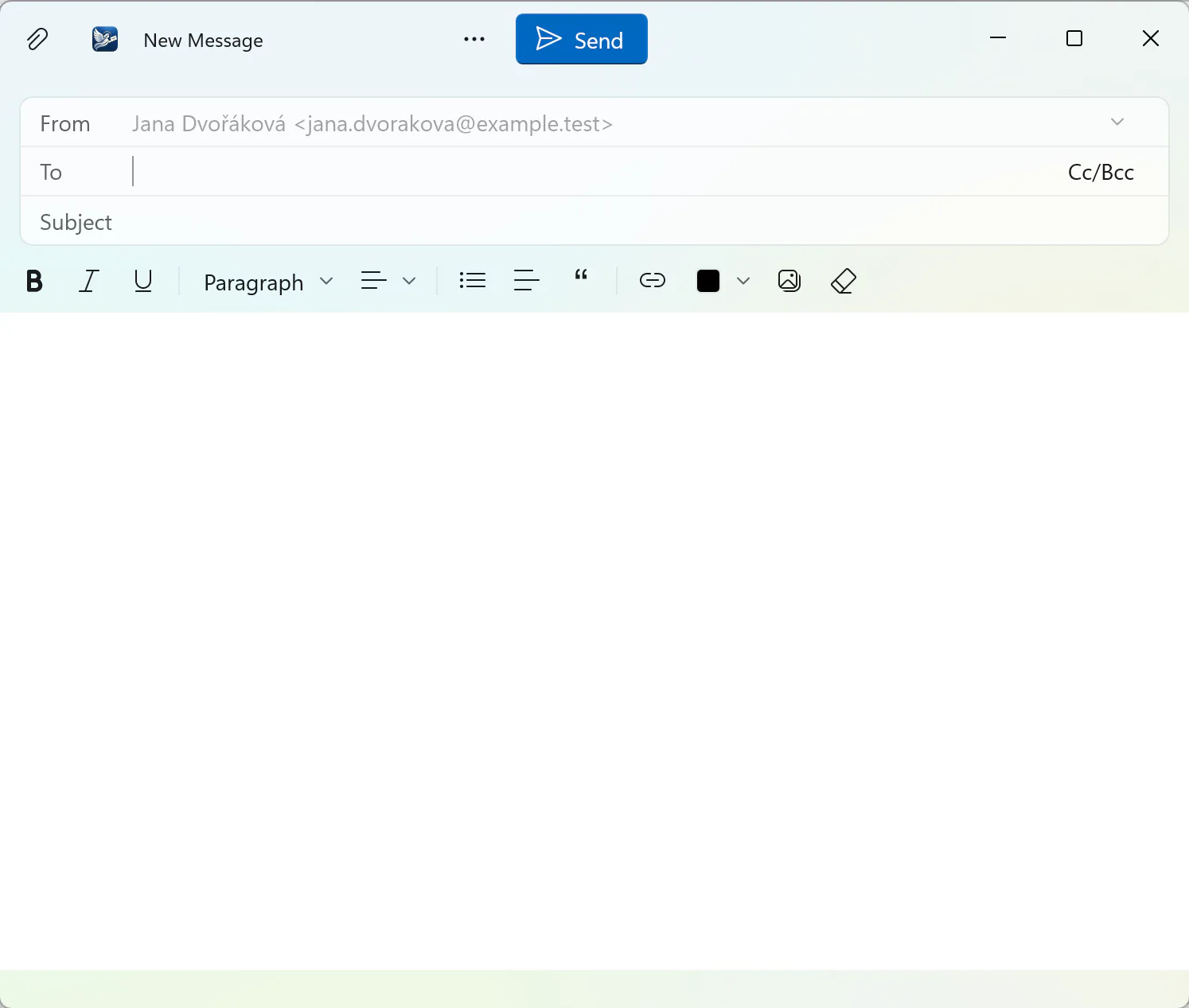
Scroll sideways for more
Useful, optional, and never in charge
Your account, your consent
The assistant runs your own Claude Code or ChatGPT (through Codex), signed in as you. The first question asks whether mail may be sent to the model; the Board's triage has a consent of its own. Nothing is sent by mail before you send the draft yourself.
It reads what you point at
A summary, the tasks and deadlines, a drafted reply, the triage of the board: always of the mail you chose, never your whole mailbox, and never before you ask.
You stay in charge
A draft is a draft until you send it. The assistant may leave notes on the board, but cannot mark anything done, move or delete your mail, or change a setting. How the assistant works, and what is sent when.
Next to the clients you may be using today
| Malachi Mail | Thunderbird | Outlook (new) | Apple Mail | Spark, Superhuman | |
|---|---|---|---|---|---|
| Native window | Linux, macOS, Windows | Its own toolkit, the same everywhere | A web app on every platform; no Linux | macOS only | Web or Electron; no Linux |
| Microsoft 365 | Mail and calendar, browser sign-in | Mail, added recently | Yes | Through the vendor's cloud | |
| AI | Your own Claude or ChatGPT account, with consent | None built in | Copilot, paid separately | Apple Intelligence | The vendor's AI, in the subscription |
| Jira, CRM, a board | Built in | Add-ons | Add-ins | No | Split inbox at most |
| Mail passes through the vendor's servers | Never | No | Microsoft's | No | Yes |
| Subscription | None | None | Microsoft 365 | None | Yes |
| Source | Open source | Open source | Closed | Closed | Closed |
Based on the products' public documentation in October 2026; details change with every release.
Said plainly
Version 0.1.2 is an early version: keep a second mail program for anything that matters. Some things are not there yet:
- No PGP or S/MIME. Signed and encrypted messages are left as they are.
- No message filters or rules, and no unified inbox (search across all accounts is there).
- No Google Calendar. Gmail outside GNOME signs in with an app password or an OAuth client of your own.
- Binaries for Linux only so far; the macOS and Windows apps are built from source until they are signed. See Download.
On your own mail, on your own computer
Flatpak, .deb and .rpm for Linux; macOS and Windows from source.